Disclosure: we earn a commission when you buy through links on this page, at no extra cost to you. Build recommendations on this page are generated by AI from a compatibility-checked parts catalog, and prices are estimates.
The Best Home Office PC Build Under $1,200 (2026)
Updated Jul 22, 2026. Prices are estimates and may have changed.
If you need a fast, quiet PC for demanding home office work (heavy multitasking, light photo editing, and the occasional light gaming session), these three builds deliver without breaking the bank. Two of the three stay comfortably under $1,200, while the performance option lands about $4 over that mark for extra headroom; all three use current-generation DDR5 platforms and efficient cooling to keep noise low. The value build ($939) nails the essentials, the balanced build ($995) upgrades cooling and case airflow, and the performance build ($1204) pushes speed with a top-tier SSD and Intel’s latest Core Ultra. All rely on integrated graphics (no dedicated GPU), perfect for productivity and casual use.
Three home office PC builds compared
Value
 CPUAMD Ryzen 5 9600X$176
 MBOGIGABYTE B650 Eagle$140
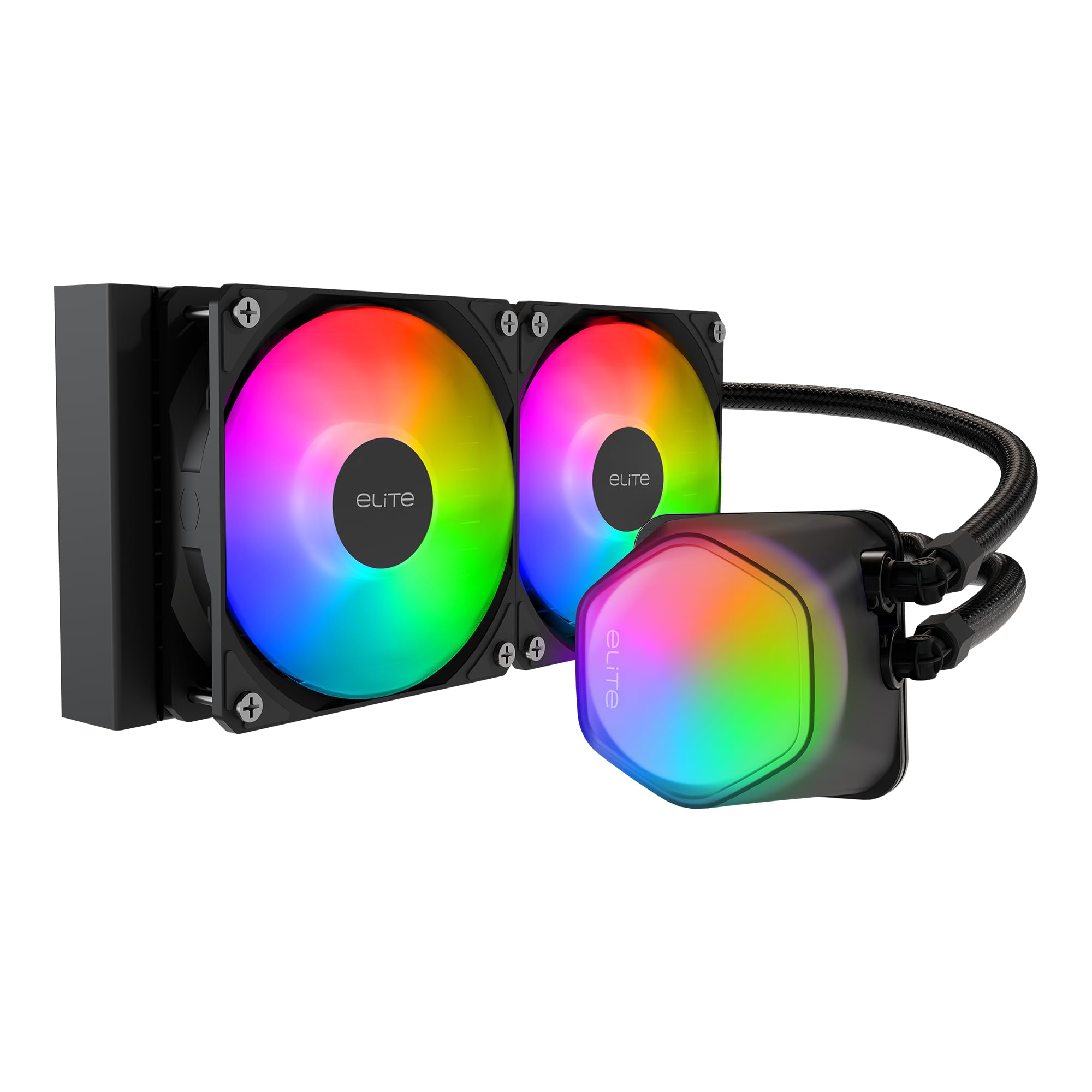 COOLCooler Master Elite Liquid 240 Black (AIO)$49
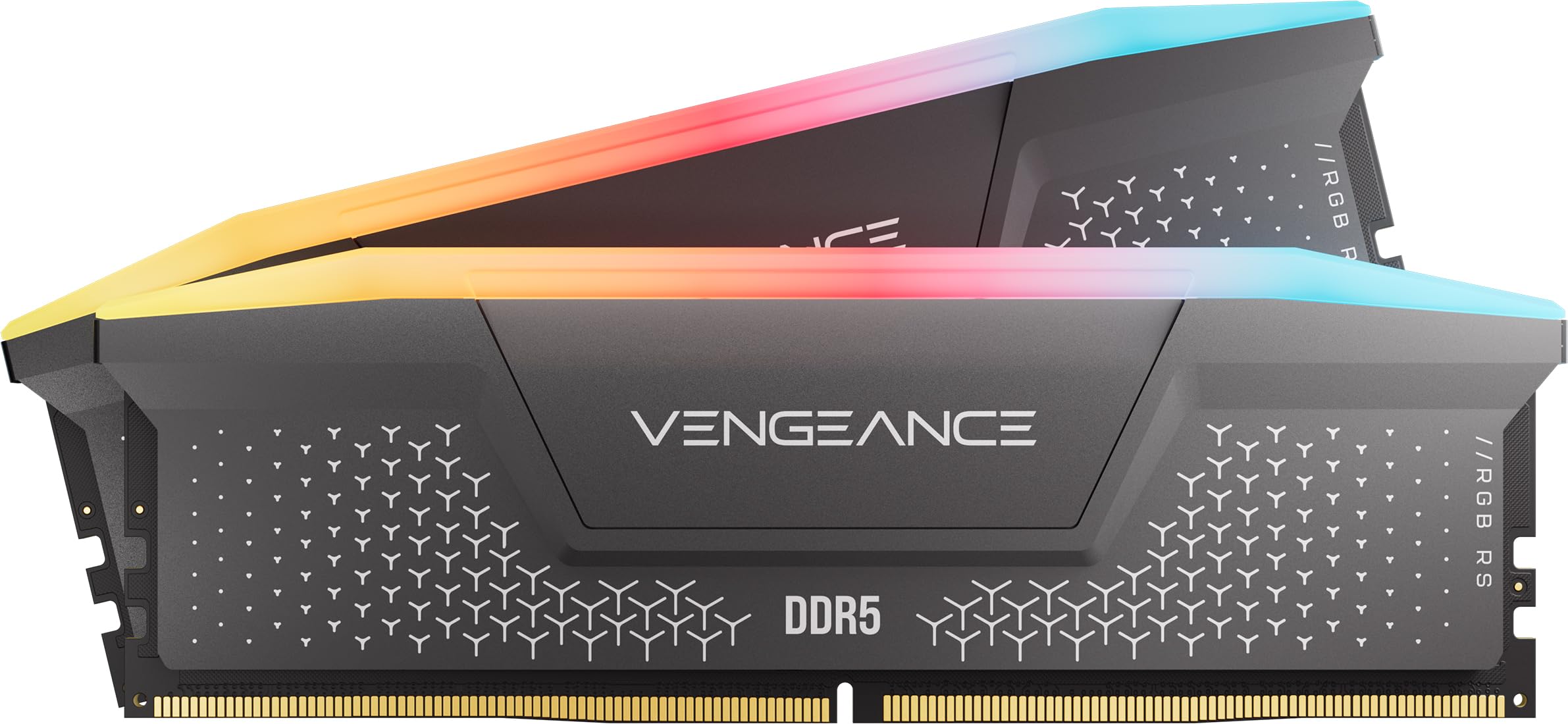 RAMCorsair Vengeance RGB RS - 16GB - DDR5 - 6000MHz$245
 SSDKingston 1TB NV3$159
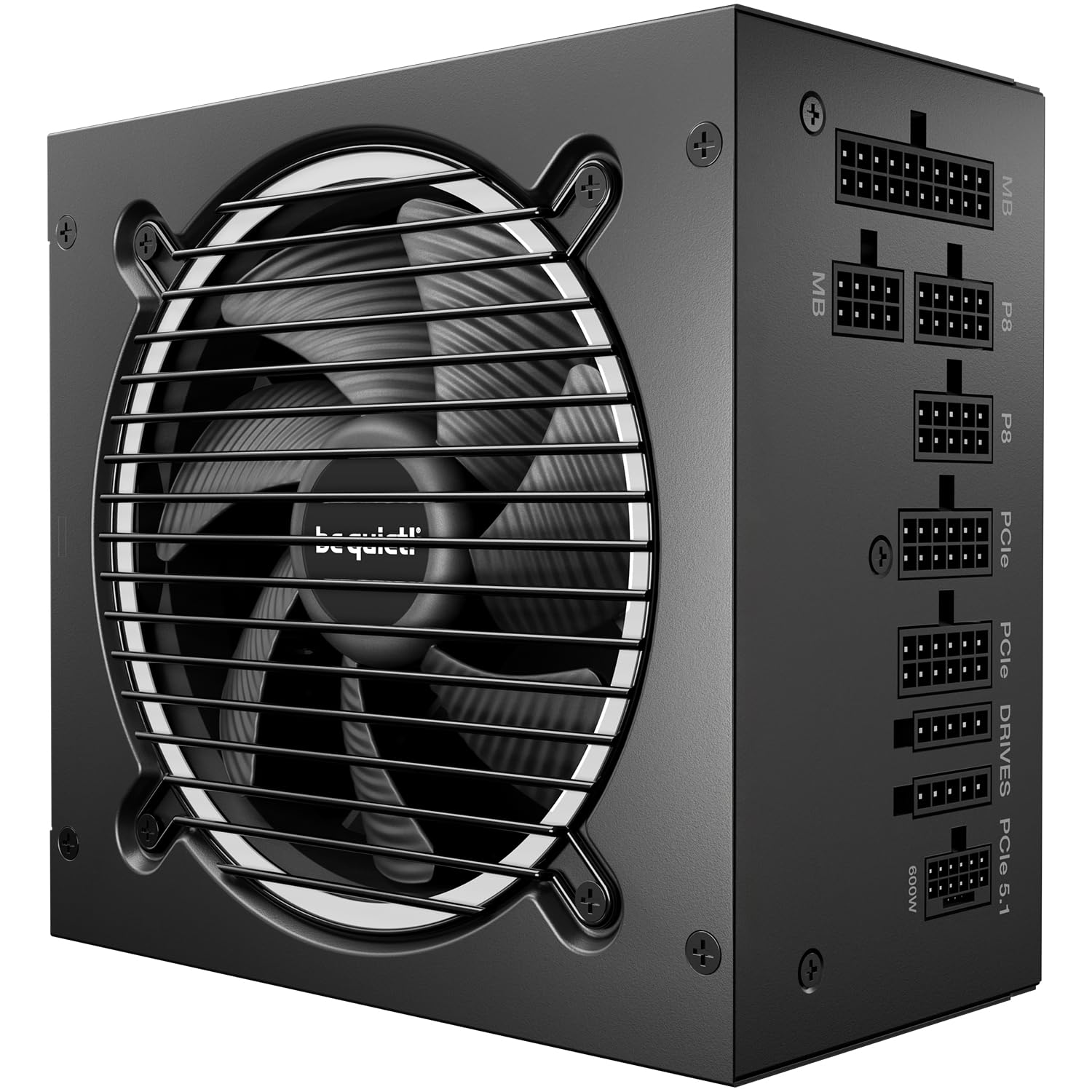 PSUBe quiet Pure power 13 M - 750W$90
 CASEMontech AIR 903 MAX$80
Performance
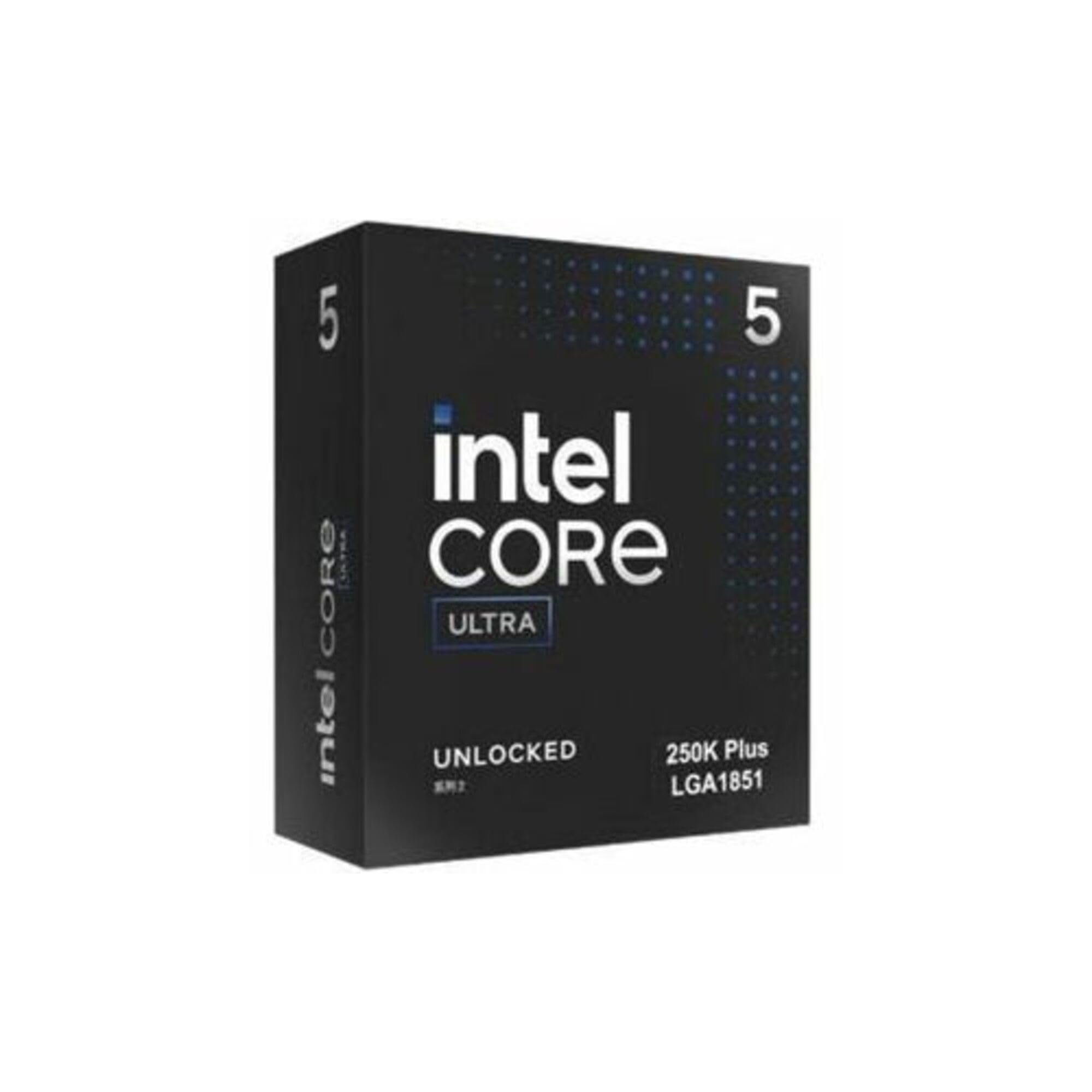 CPUIntel Core Ultra 5 250K Plus$220
 MBOMSI PRO Z890-P$176
 COOLbe quiet! Dark Rock Pro 5 (Air cooler)$85
- RAMCorsair Vengeance RGB RS - 16GB - DDR5 - 6000MHz$245
 SSDSamsung 1TB 990 Pro$239
 PSUCorsair RM850e$119
 CASELian Li LANCOOL 217$120
Balanced
Recommended- CPUAMD Ryzen 5 9600X$176
 MBOGIGABYTE B650 AORUS Elite$140
- COOLbe quiet! Dark Rock Pro 5 (Air cooler)$85
- RAMCorsair Vengeance RGB RS - 16GB - DDR5 - 6000MHz$245
- SSDKingston 1TB NV3$159
- PSUBe quiet Pure power 13 M - 750W$90
 CASELian Li LANCOOL 216$100
The call
The balanced build offers the best value for the $1,200 budget, coming in at $994.54 with $205.46 to spare. It avoids the slight $4.19 overage of the performance build while delivering better all-around capability than the ultra-affordable value build.
For most buyers, the balanced build is the clear winner—it delivers strong performance without breaking the $1,200 limit. The value build is ideal if you want to maximize savings, while the performance build is only recommended if you can accept the minor budget overage and demand top-tier power.
The budget of $1200 is realistic for a quiet and fast office PC. It allows for a high-quality build with ample performance and quiet cooling solutions.
Why these parts work together
Value build
The value build pairs AMD’s Ryzen 5 9600X with a 240mm AIO liquid cooler that gives plenty of cooling headroom for the 88W CPU, quiet under load, inside a well-ventilated Montech AIR 903 MAX case. 16GB of fast DDR5 and a 1TB PCIe 4.0 SSD handle heavy multitasking and file loads, while the be quiet! Pure Power 13 750W PSU keeps everything stable and near-silent.
Performance build
This performance build uses Intel’s Core Ultra 5 250K Plus (18 cores) with the Dark Rock Pro 5 air cooler for whisper-quiet operation under load. The Samsung 990 PRO SSD delivers blazing 7,450 MB/s reads, and the Lian Li LANCOOL 217 case with five pre-installed fans (including two 170mm) maximizes airflow. The Corsair RM850e PSU delivers reliable, Gold-rated power, though its 850W capacity is more headroom than this GPU-less build truly needs at idle.
Balanced build
The balanced build combines AMD’s Ryzen 5 9600X with the same excellent Dark Rock Pro 5 cooler as the performance build, but uses a Kingston NV3 SSD and the Lian Li LANCOOL 216 case for great airflow. The GIGABYTE B650 Aorus Elite AX board offers solid power delivery and WiFi 6E, and the be quiet! 750W PSU keeps noise minimal: a sweet spot of cost and capability.
Frequently asked questions
Can these PCs run photo editing software like Adobe Photoshop or Lightroom?
Yes. All three builds pair integrated graphics with fast DDR5 RAM, which handles 2D photo editing and RAW file processing smoothly. The value and balanced builds use a 6-core/12-thread AMD Ryzen 5 9600X, while the performance build steps up to an 18-core hybrid Intel Core Ultra 5 250K Plus (6 P-cores + 12 E-cores). For heavy 4K or multi-layer work, the 16GB of RAM may feel tight, but upgrading to 32GB later is straightforward.
What about gaming? Can I play any games on these builds?
You can play light or older titles (e.g., League of Legends, Minecraft, CS2) at low-to-medium settings thanks to the integrated graphics in the Ryzen 5 9600X or Intel Core Ultra 5 250K Plus. Demanding modern games at high settings are not possible without a dedicated GPU. None of these builds include one.
Do I need to buy extra fans or a CPU cooler?
No. Every build comes with a capable CPU cooler (liquid or air) and a case with pre-installed fans. The value build has four 140mm fans, the performance build five fans, and the balanced build three fans. All are set up for good airflow out of the box.
Can I upgrade to a dedicated graphics card later?
Yes. Each motherboard has a PCIe x16 slot (PCIe 4.0 or 5.0), and the power supplies range from 750W to 850W, which can support mid-range to high-end GPUs. Just check physical clearance in the case: all listed cases are roomy enough for most modern GPUs.
More Home Office builds
Other builds we recommend
Compare before you buy
Describe your own needs and budget, and get three compatibility-checked builds in minutes.