Disclosure: we earn a commission when you buy through links on this page, at no extra cost to you. Build recommendations on this page are generated by AI from a compatibility-checked parts catalog, and prices are estimates.
The Best Streaming PC Build Under $1,000 (2026)
Updated Jul 22, 2026. Prices are estimates and may have changed.
Streaming on Twitch while gaming demands a PC that can handle both tasks without stuttering or dropped frames. The key is a strong GPU encoder (NVENC) to offload video encoding and a multi-core CPU to keep your game and streaming software running smoothly. Our builds under $1,000 include the affordable value build ($892) with a 6-core Ryzen 5 and RTX 5050, the balanced build ($937) with a powerful RTX 5060 Ti, and the performance build ($1,153) with an 8-core Ryzen 7 for those who can stretch their budget a bit. All are optimized for 1080p streaming at 60fps.
Three streaming PC builds compared
Value



Performance
 CPUAMD Ryzen 7 5800X$219
 MBOGIGABYTE B550 Eagle$100
 COOLThermalright Phantom Spirit 120 SE Black (Air cooler)$38
 RAMG.SKILL RipjawsV - 16GB - DDR4 - 3200MT/s$119
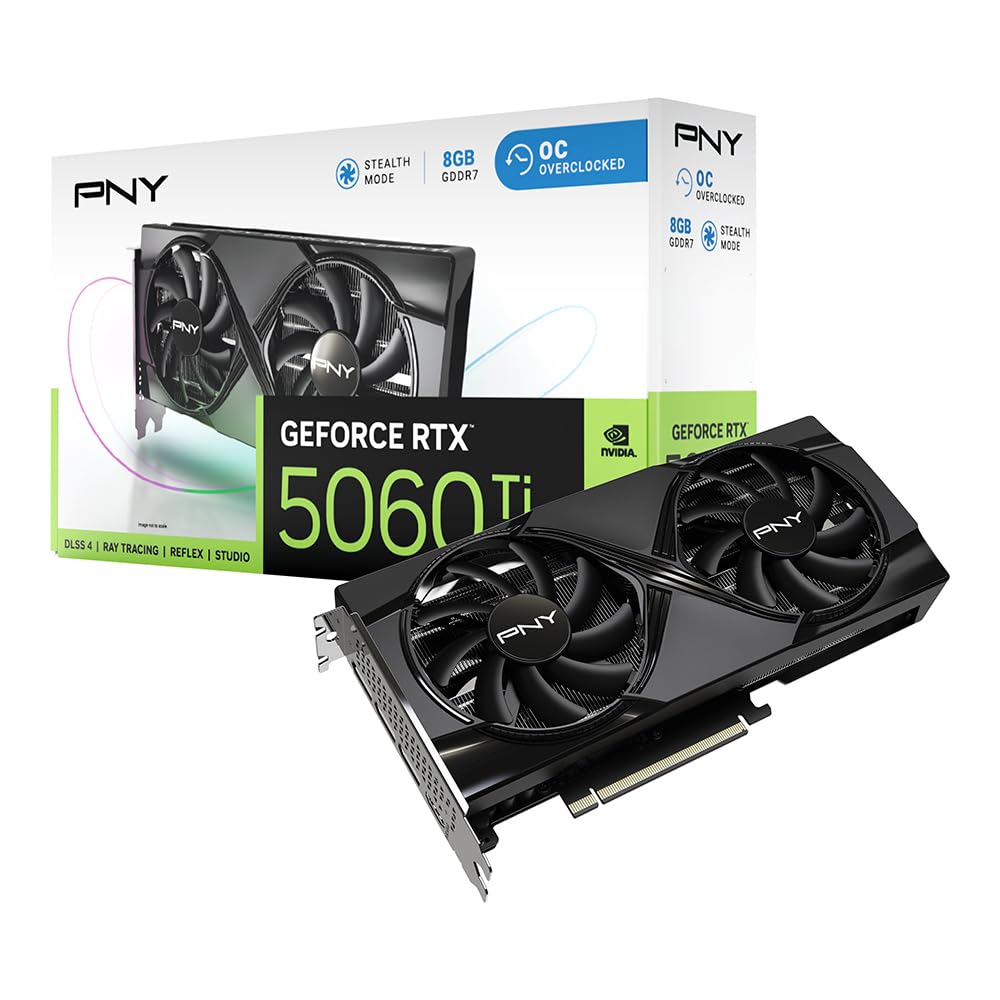 GPUPNY GeForce RTX 5060 Ti$360
 SSDKingston 500GB NV3$110
 SSDKingSpec 512GB NX Series$86
 PSURosewill VMG - 750W$66
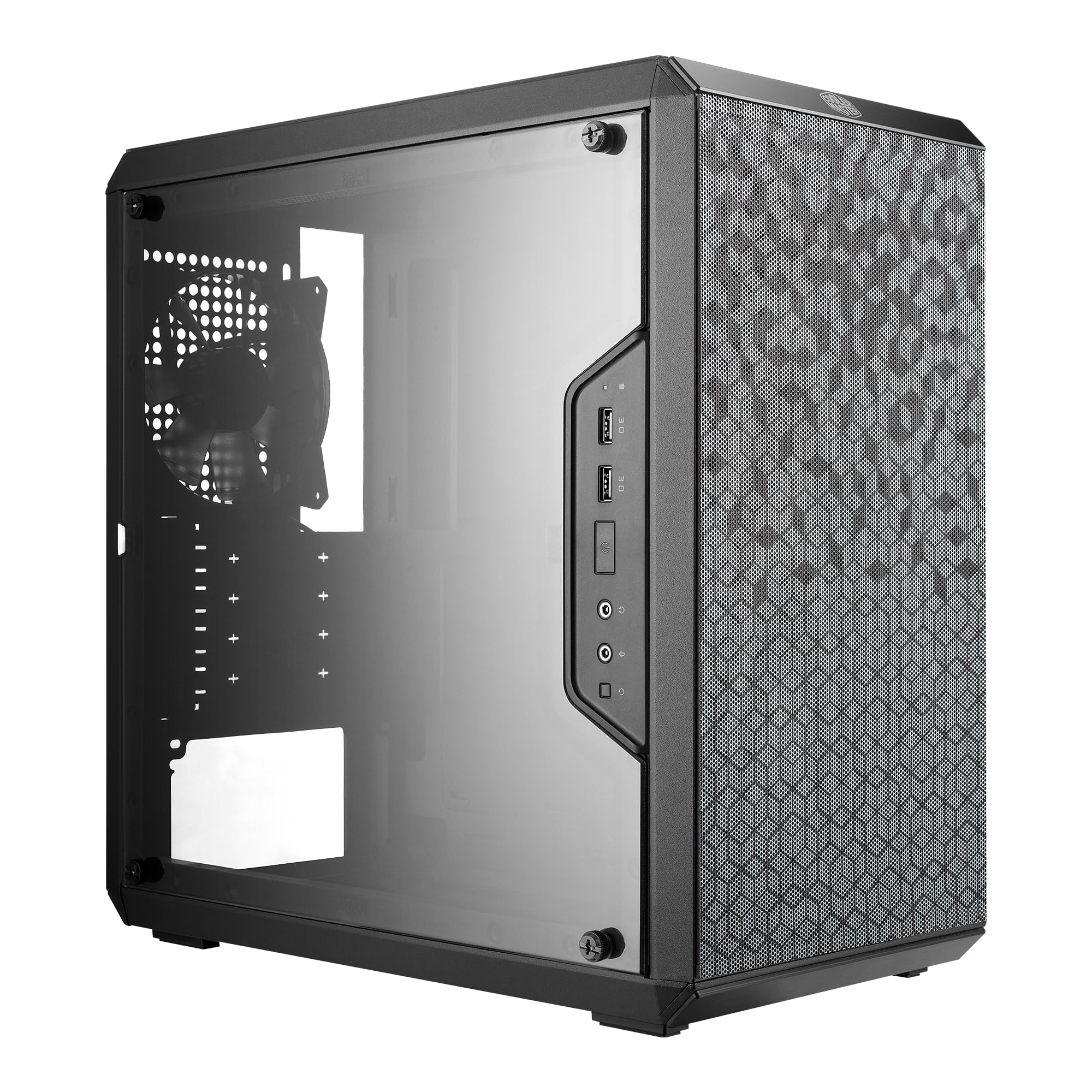
 CASEDARKROCK EC2$55
Balanced
Recommended


The call
The balanced build offers the optimal mix of performance and price, staying under the $1,000 budget by $63.21 while delivering strong all-around capabilities. The value build saves more but compromises on speed, and the performance build exceeds the budget.
For a strict $1,000 budget, the balanced build is the smart choice, providing excellent value without compromise. If you prioritize bleeding-edge performance and can stretch your budget, the performance build is compelling. The value build is best for basic computing and non-intensive tasks.
Your $1000 budget is sufficient for a gaming PC with a capable multi-core CPU and a GPU with a quality encoder like NVIDIA's NVENC.
Why these parts work together
Value build
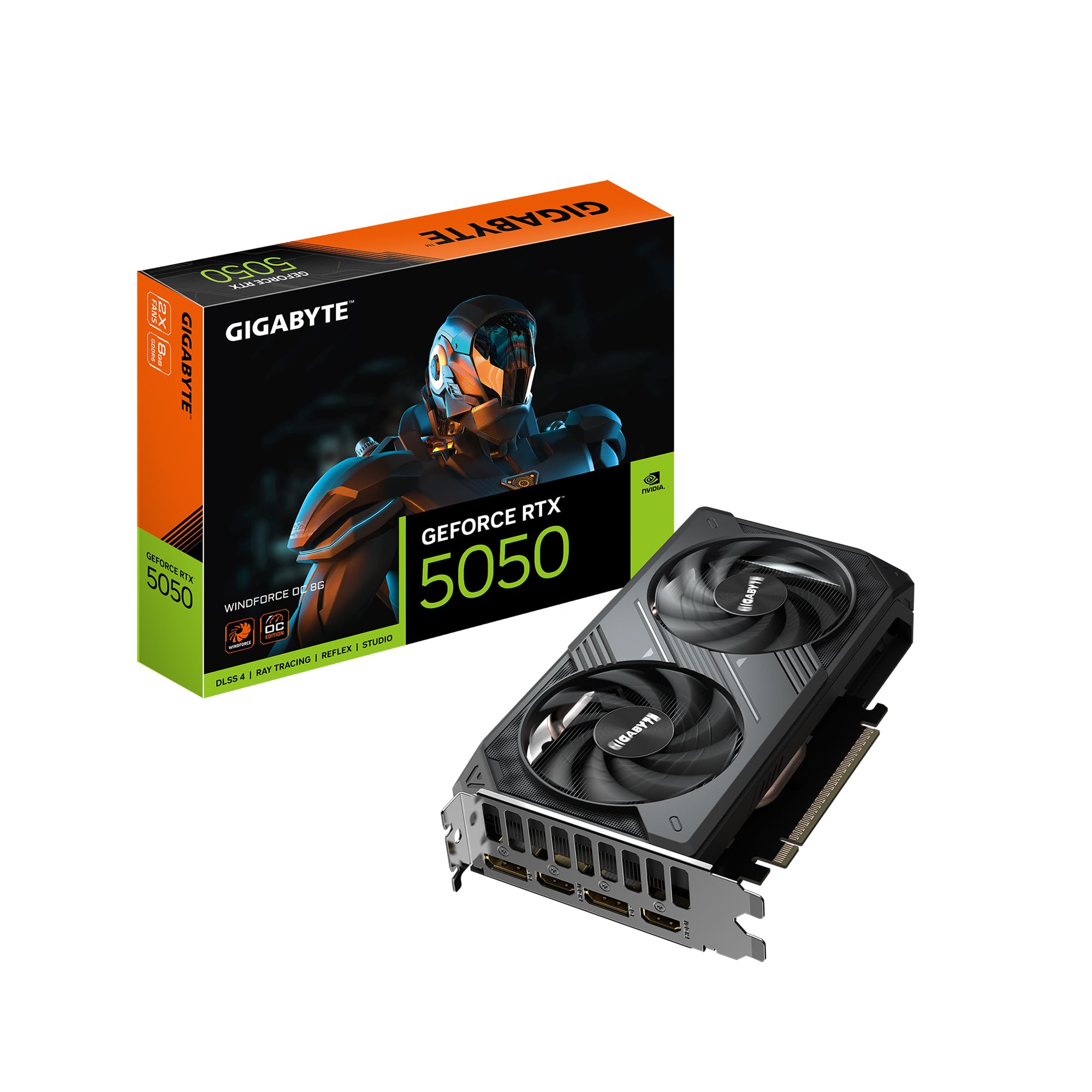
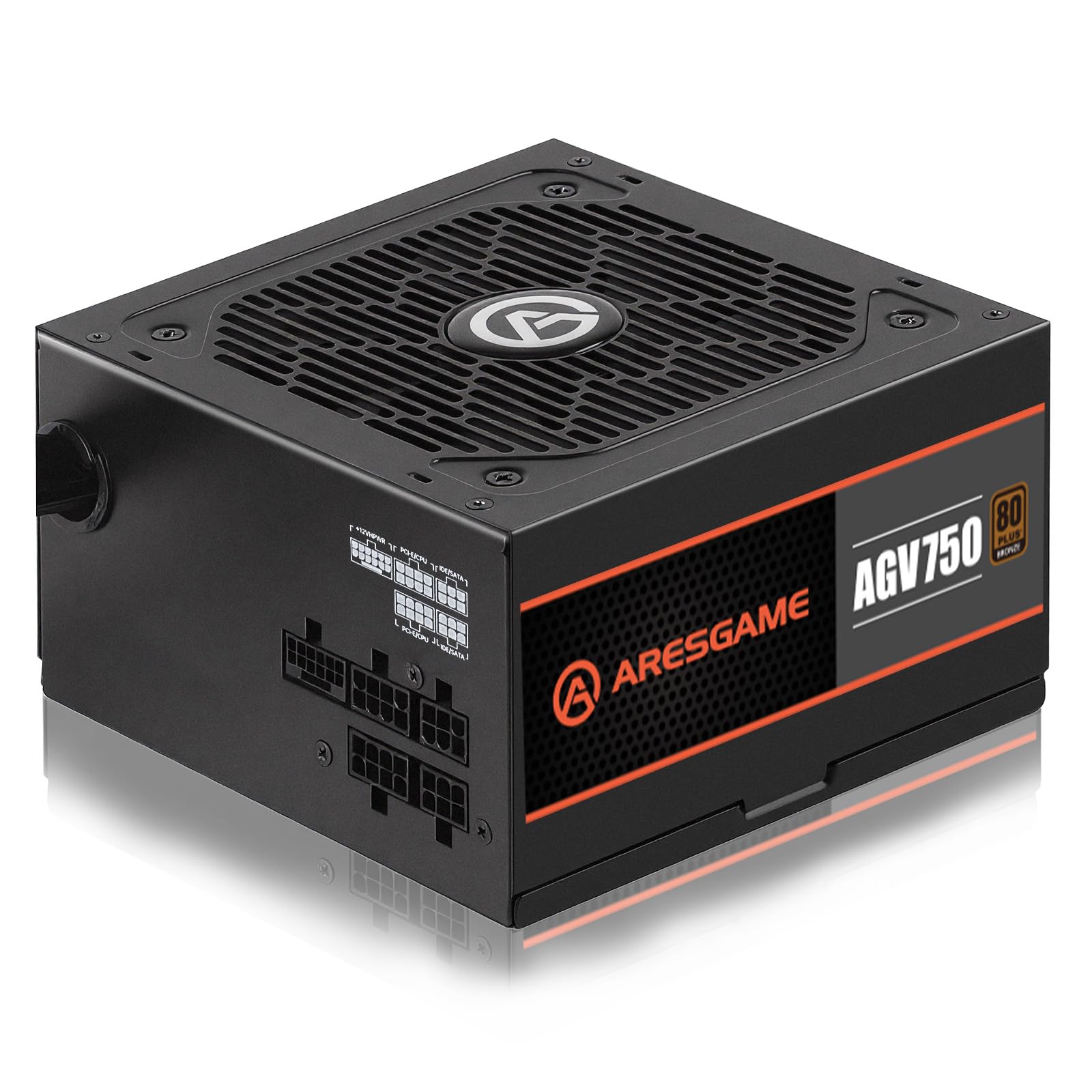
The value build pairs a 6-core Ryzen 5 5600 with the RTX 5050 GPU. While the CPU has enough cores for light streaming, the RTX 5050’s NVENC encoder takes the heavy lifting, leaving your CPU free for gaming. We added a premium air cooler for quieter operation and a 750W PSU for future upgrades. Storage is split between 512GB and 256GB NVMe SSDs to keep costs low.
Performance build
The performance build steps up to an 8-core Ryzen 7 5800X for demanding encodes and smoother multitasking. The RTX 5060 Ti brings GDDR7 memory and DLSS 4 for higher frame rates, plus a WIFI motherboard and a full modular gold PSU. While it exceeds $1,000, it's ideal if you can stretch your budget for better streaming quality and longevity.
Balanced build
The balanced build hits the sweet spot with a Ryzen 5 5600 and RTX 5060 Ti. The 5060 Ti’s powerful NVENC encoder ensures excellent stream quality without taxing the CPU, while the 8-core-ready B550 motherboard allows a future CPU upgrade to a Ryzen 7. The 650W gold PSU and 512GB SSD round out a solid, upgrade-friendly system.
Frequently asked questions
Can I stream 1080p 60fps while gaming on these builds?
Yes, especially the balanced and performance builds. The RTX 5050 and 5060 Ti have dedicated NVENC encoders that handle video encoding, allowing smooth streaming in most esports and AAA titles at 1080p.
Is 16GB RAM enough for streaming?
16GB is sufficient for gaming plus OBS or Streamlabs. If you run many background apps or stream heavy games, 32GB is recommended. The motherboard supports future RAM upgrades.
Can I upgrade the CPU later?
Yes, all builds use AM4 socket B550 motherboards, which support Ryzen 5000 series CPUs. If you start with the value or balanced build's 6-core Ryzen 5 5600, you can later swap to an 8-core Ryzen 7 5700X3D or 5800X without changing the motherboard. The performance build already ships with the 5800X.
Will these PCs handle 1440p gaming?
The RTX 5050 is best for 1080p, while the RTX 5060 Ti can handle 1440p in many games, especially with DLSS. For 1440p streaming, consider the performance build.
More Streaming builds
Other builds we recommend
Compare before you buy
Describe your own needs and budget, and get three compatibility-checked builds in minutes.