Disclosure: we earn a commission when you buy through links on this page, at no extra cost to you. Build recommendations on this page are generated by AI from a compatibility-checked parts catalog, and prices are estimates.
The Best Home Office PC Build Under $800 (2026)
Updated Jul 22, 2026. Prices are estimates and may have changed.
If you need a quiet, dependable PC for home office work (browsing the web, editing documents, joining video calls, and keeping dozens of tabs open), you don't need a discrete graphics card. These three builds all use AMD Ryzen G-Series processors with solid integrated Radeon graphics, saving power and noise. The value build hits $702 with 32GB of RAM and a solid cooler. The balanced build adds Wi-Fi 6E and a near-silent cooler for $734. The performance build pushes to 8 cores and 1TB of storage for $876 (slightly over budget but worth considering). Every build includes Wi-Fi, Bluetooth, and plenty of RAM for smooth multitasking.
Three home office PC builds compared
Value
Recommended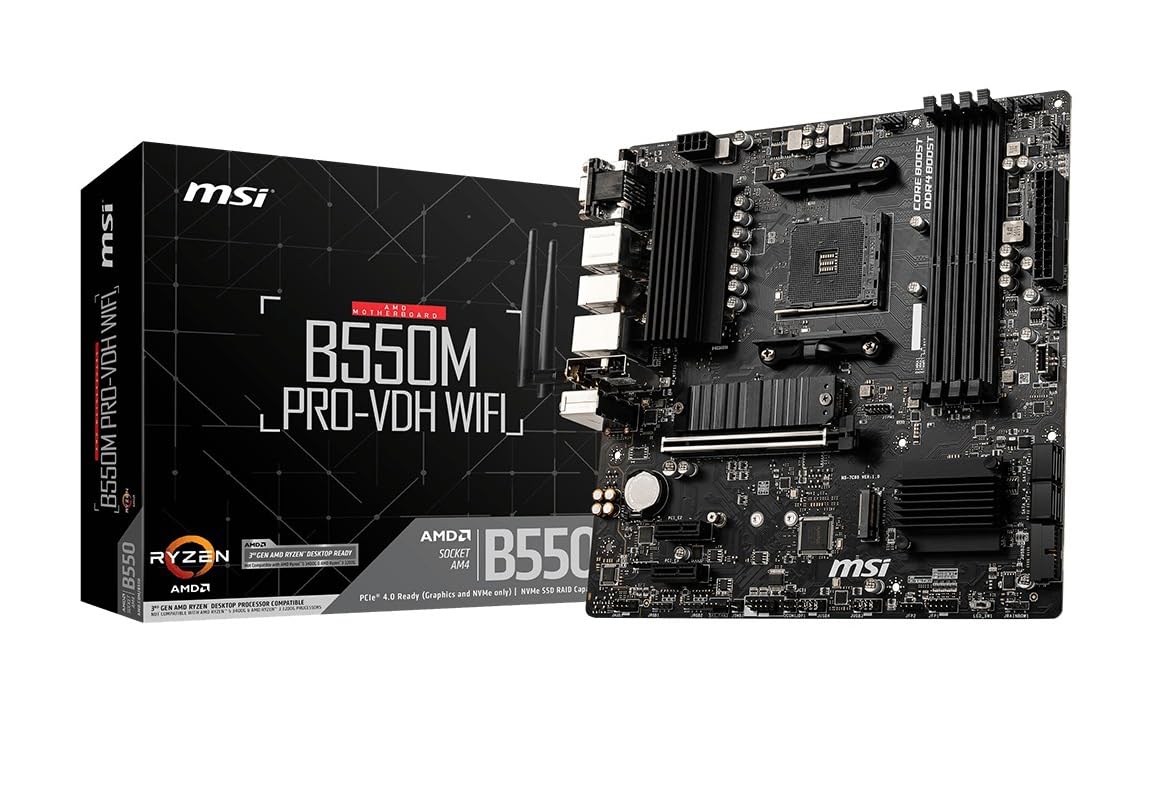



Performance
 CPUAMD Ryzen 7 5700G$203
 MBOAsus TUF Gaming B550-PLUS$115
 COOLThermalright Phantom Spirit 120 SE Black (Air cooler)$40
 RAMG.SKILL RipjawsV - 32GB - DDR4 - 3200MT/s$210
 SSDKingston 1TB NV3$159
 PSURosewill VMG - 750W$66
 CASELian Li LANCOOL 207$83
Balanced
- RAM 42 mm exceeds the air cooler clearance of 40 mm: possible conflict.
 CPUAMD Ryzen 5 5600G$185
 MBOMSI PRO B550M-VC$95
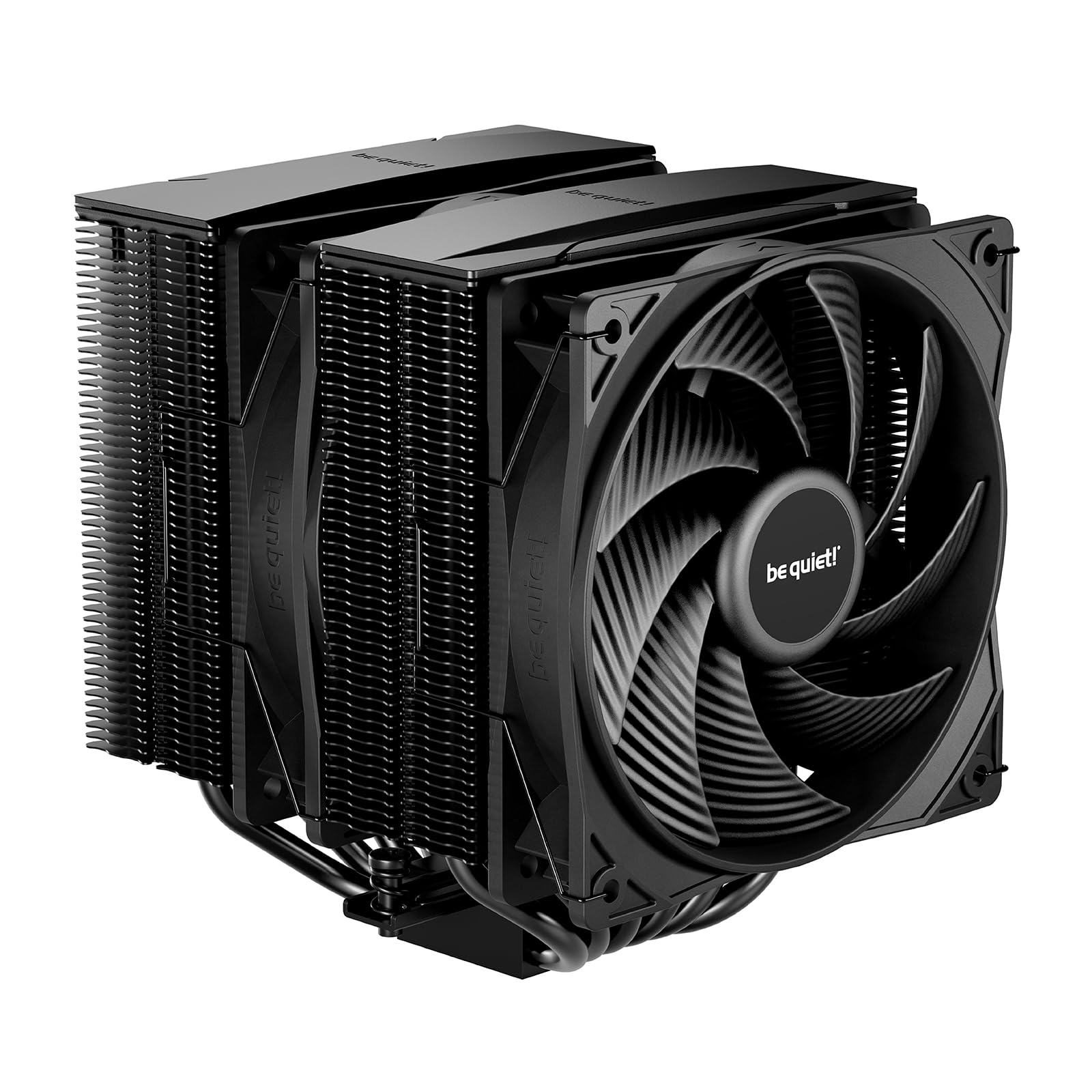 COOLbe quiet! Pure Rock Pro 3 (Air cooler)$55
- RAMG.SKILL RipjawsV - 16GB - DDR4 - 3200MT/s$119
 SSDKingston 500GB NV3$110
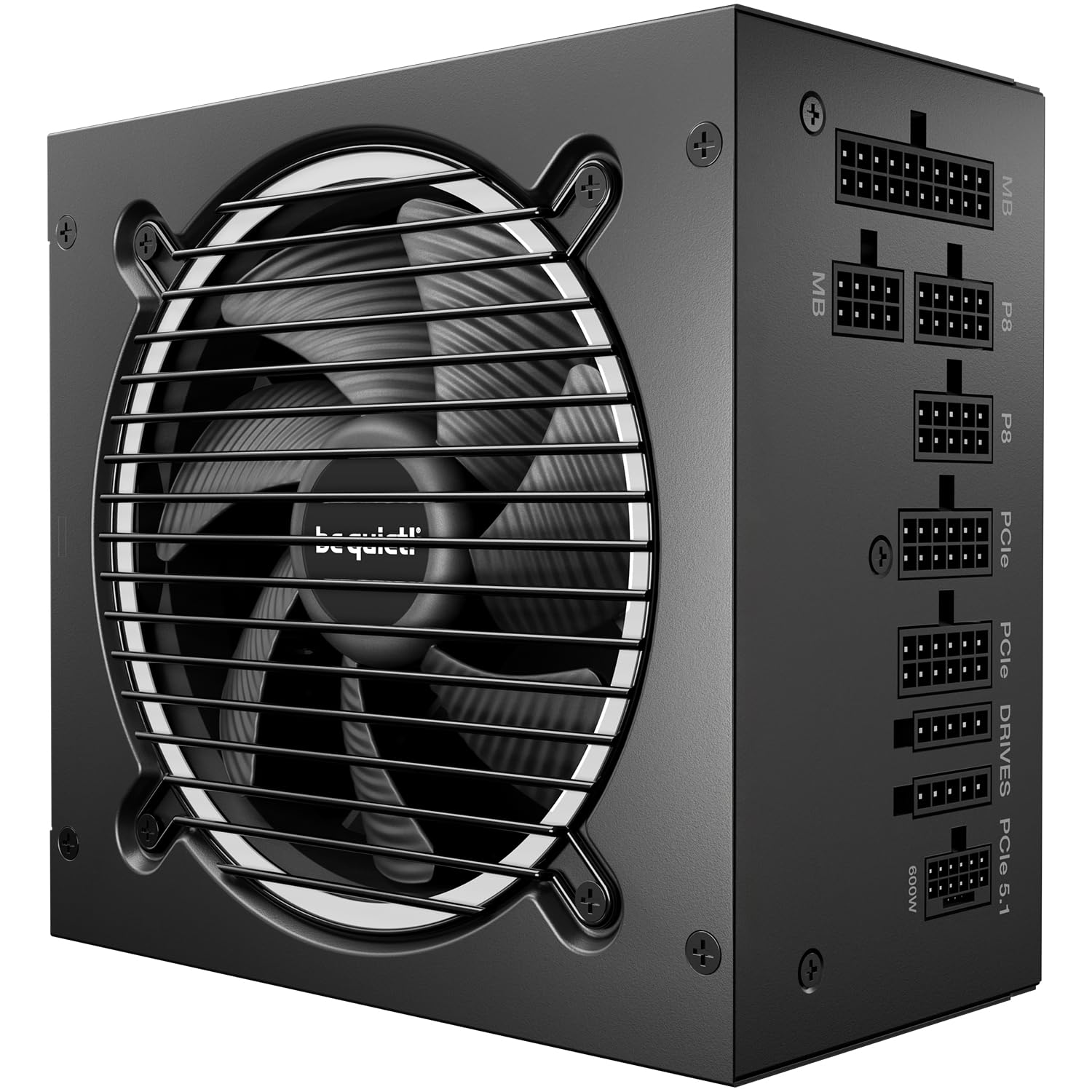 PSUBe quiet Pure power 13 M - 750W$90
 CASEMontech AIR 903 MAX$80
The call
The value build is the most cost-effective, coming in $98.18 under the $800.00 budget with no compatibility issues. The balanced build is also under budget but has a potential RAM clearance conflict with the CPU cooler. The performance build exceeds the budget by $76.12.
For a strict $800 budget without compromises, the value build is the safest choice. If you need more performance and can stretch your budget, consider the performance build. The balanced build is a good middle ground but requires attention to the RAM cooler clearance.
The budget of $800 is realistic for a quiet, reliable office PC with integrated graphics capable of handling many browser tabs.
Why these parts work together
Value build
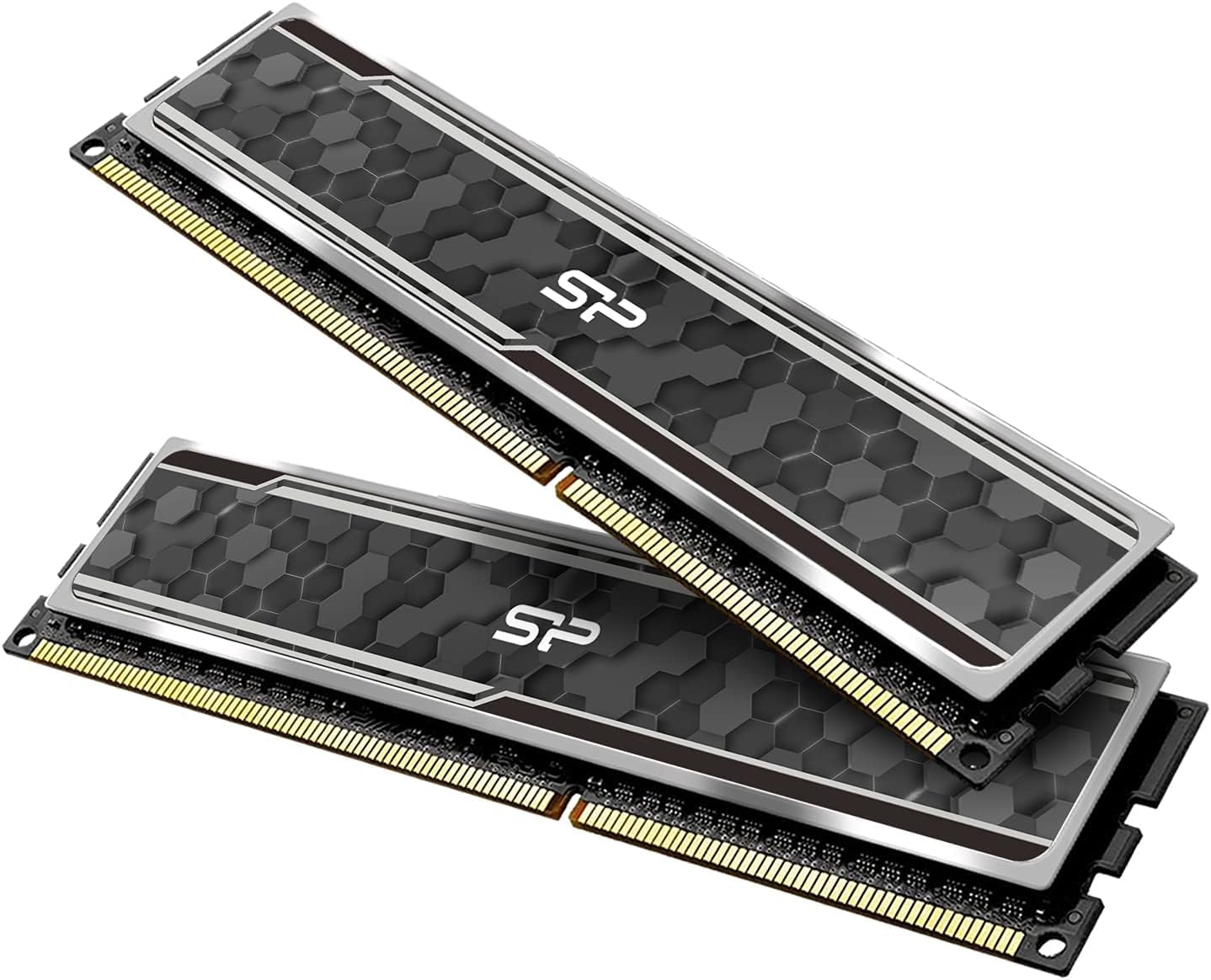
This $702 build uses the Ryzen 5 5600G with Radeon graphics: no GPU needed. The MSI B550M PRO-VDH WiFi motherboard includes built-in Wi-Fi and Bluetooth. 32GB of Silicon Power DDR4 RAM ensures smooth multitasking with many browser tabs. The Thermalright Phantom Spirit 120SE cooler keeps it quiet and cool, all inside the DARKROCK EC2 case with tempered glass and room to grow. A 512GB KingSpec NVMe SSD provides fast storage, while the Segotep 650W Gold PSU offers reliable power.
Balanced build
At $734, the balanced build pairs the Ryzen 5 5600G with a G.SKILL 16GB RAM kit: enough for most home office tasks. The MSI PRO B550M-VC WiFi motherboard adds Wi-Fi 6E and Bluetooth 5.2. The be quiet! Pure Rock Pro 3 cooler lives up to its name with near-silent operation, though its 40mm RAM clearance is slightly tighter than this kit's 42mm height, so double-check the fit during assembly, or opt for a low-profile RAM kit if in doubt. The Montech AIR 903 MAX case comes with four pre-installed fans for excellent airflow, and the be quiet! Pure Power 13 M 750W PSU is ATX 3.1 ready.
Performance build
The $876 performance build powers through home office work with an 8-core Ryzen 7 5700G and 32GB of G.SKILL RipjawsV RAM. The ASUS TUF Gaming B550-PLUS WiFi II motherboard offers robust connectivity with WiFi 6 and 2.5Gb LAN. A 1TB Kingston NV3 SSD provides ample fast storage. The Lian Li LANCOOL 207 case includes four pre-installed fans for superior cooling, and the Rosewill VMG 750W PSU is fully modular for clean cable management.
Frequently asked questions
Why don't these builds include a discrete GPU?
All three builds use AMD Ryzen G-Series processors with integrated Radeon graphics. For home office tasks like web browsing, document editing, and video calls, the integrated GPU is more than sufficient. None of the listed parts include a discrete GPU, and the builds are designed to be quiet and power-efficient without one.
Can I upgrade to a dedicated GPU later?
Yes. Each motherboard has a PCIe x16 slot, and the power supplies (ranging from 650W to 750W) can support mainstream GPUs. However, ensure your case has enough clearance; the DARKROCK EC2, Montech AIR 903 MAX, and Lian Li LANCOOL 207 all accommodate modern graphics cards.
How quiet are these builds?
The value build uses a Thermalright Phantom Spirit 120SE, the balanced one a be quiet! Pure Rock Pro 3, and the performance one a Thermalright Phantom Spirit 120SE Black, all known for low noise. The Montech AIR 903 MAX and Lian Li LANCOOL 207 cases come with multiple fans but are designed for quiet operation. With no GPU fan, the overall noise is minimal.
Can these handle many browser tabs and video calls?
The value and balanced builds with 32GB or 16GB RAM and 6-core CPUs handle dozens of tabs plus Zoom/Teams easily. The performance build’s 8-core CPU and 32GB RAM provide extra headroom for heavier multitasking or light content creation.
More Home Office builds
Other builds we recommend
Compare before you buy
Describe your own needs and budget, and get three compatibility-checked builds in minutes.