Disclosure: we earn a commission when you buy through links on this page, at no extra cost to you. Build recommendations on this page are generated by AI from a compatibility-checked parts catalog, and prices are estimates.
The Ultimate Gaming PC (2026): The Best Build Money Can Buy
Updated Jul 22, 2026. Prices are estimates and may have changed.
This is the build we'd choose if price were no object. Centered on the AMD Ryzen 9 9950X3D2 and the ASUS RTX 5080, it represents the pinnacle of gaming performance available in 2026. We've curated three configurations that each deliver flagship-level gameplay at 4K with maximum settings, but differ in where they allocate the budget: toward raw performance, balanced refinement, or smart value. Every part is selected to complement the CPU and GPU, ensuring no bottleneck and room for future upgrades. Whether you want the quietest cooling or the fastest storage, one of these builds will match your vision of a no-compromise machine.
Three no-compromise builds compared
Value
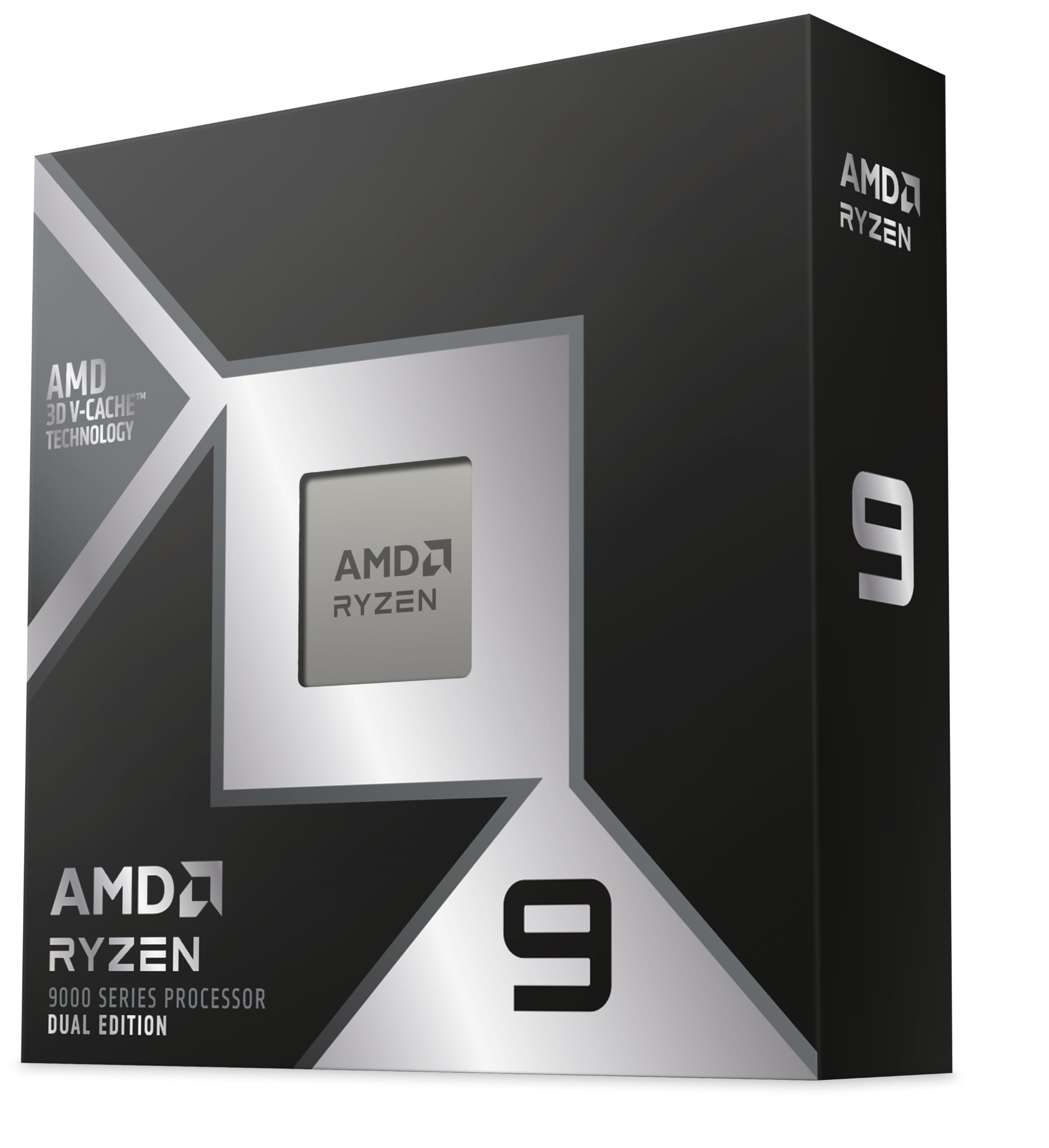 CPUAMD Ryzen 9 9950X3D2$896
 MBOMSI MAG X870E Tomahawk$260
 COOLCorsair Nautilus 360 RS Black (AIO)$110
 RAMTEAMGROUP T-Force Vulcan - 32GB - DDR5 - 6000MHz$400
 GPUASUS GeForce RTX 5080$1,596
 SSDSandisk 2TB WD_Black SN7100$290
 PSUCorsair RM1000x - 1000W$160
 CASELian Li LANCOOL 216$100
Performance
Recommended- CPUAMD Ryzen 9 9950X3D2$896
 MBOAsus ROG Strix X870E-E Gaming$400
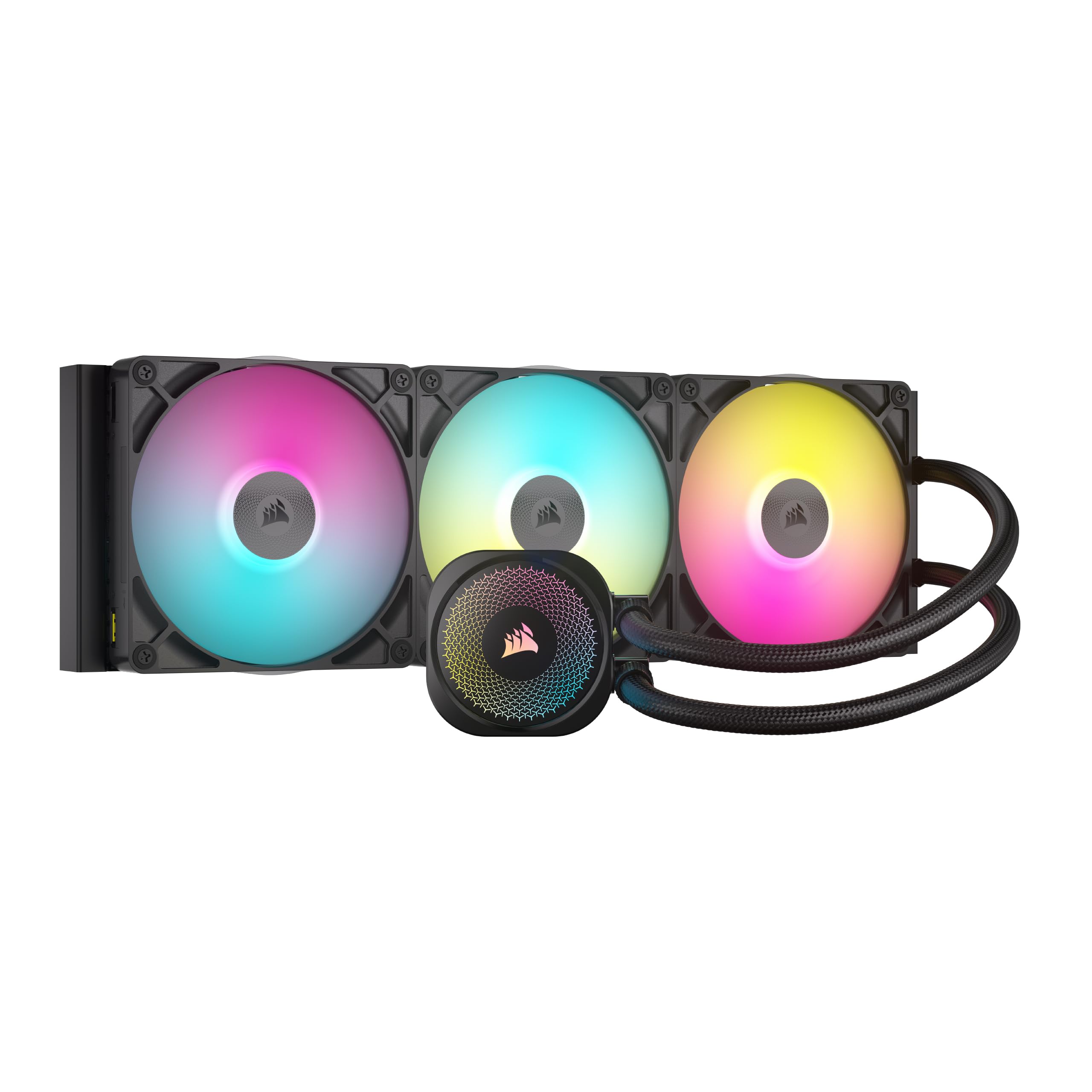 COOLCorsair Titan 420 RX (AIO)$287
 RAMG.SKILL Trident Z5 Neo - 32GB - DDR5 - 6000MT/s$600
- GPUASUS GeForce RTX 5080$1,596
- SSDSamsung 2TB 990 Pro$388
 SSDSamsung 1TB 9100 Pro$250
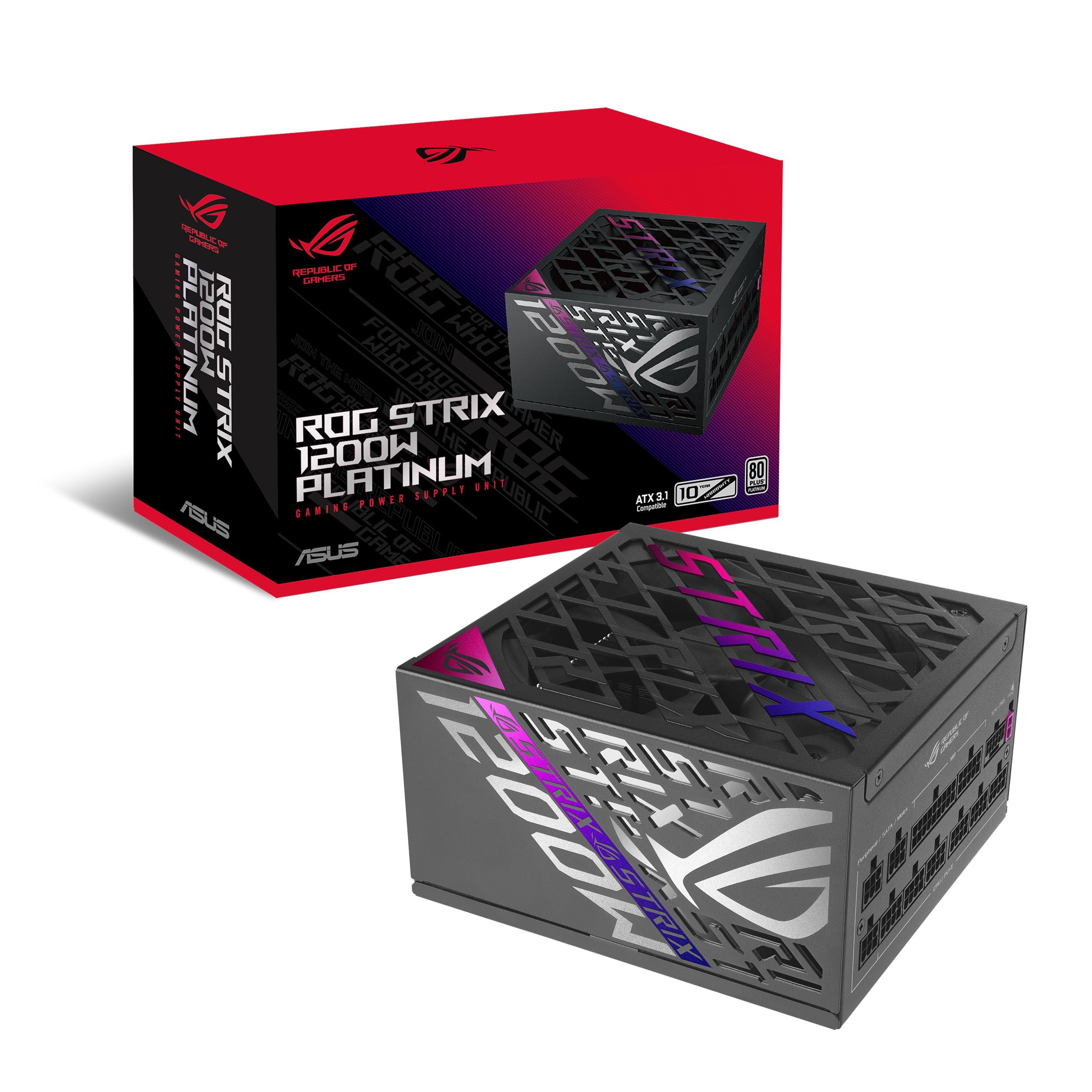 PSUASUS ROG Strix - 1200W$255
 CASEFractal Design North XL$195
Balanced
- CPUAMD Ryzen 9 9950X3D2$896
- MBOAsus ROG Strix X870E-E Gaming$400
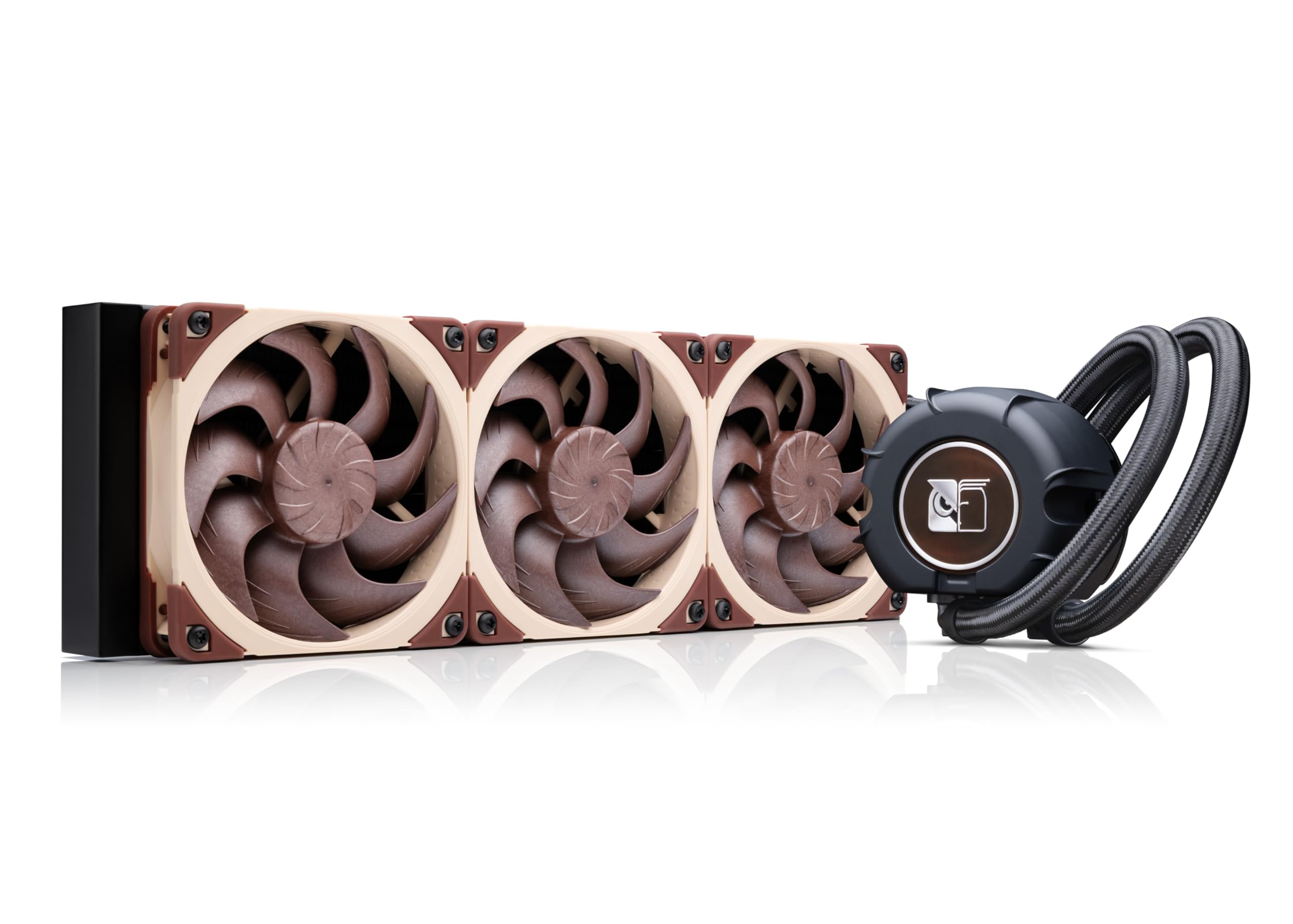 COOLNoctua NL-LC1-36 (AIO)$250
- RAMG.SKILL Trident Z5 Neo - 32GB - DDR5 - 6000MT/s$600
- GPUASUS GeForce RTX 5080$1,596
 SSDSandisk 2TB WD_BLACK SN850X$348
- PSUCorsair RM1000x - 1000W$160
 CASEFractal Design North$155
The call
All builds are compatible and under the $5,000 budget. The performance build maximizes framerates and compute power by spending $4,867.37, leaving only $132.63. The balanced build saves $595.10 while still delivering strong performance. The value build saves $1,188.07, ideal for casual use. For maximum gaming or professional performance, the performance build is recommended.
Go with the performance build if you crave maximum speed for gaming or professional work. The balanced build is the smart pick for most users, blending power and savings. The value build suits budget-focused buyers or casual use.
Your budget of $5,000 is realistic for a high-end gaming PC.
Why these parts work together
Value build
The value build pairs the MSI MAG X870E Tomahawk motherboard with TEAMGROUP T-Force Vulcan 32GB CL38 memory, balancing cost and performance. The Corsair Nautilus 360 RS AIO keeps the 9950X3D2 cool without overspending, while the WD_Black SN7100 2TB provides fast Gen4 storage. The Lian Li LANCOOL 216 case offers excellent airflow with two 160mm fans, and the Corsair RM1000x delivers reliable 1000W gold-rated power.
Performance build
The performance build uses the ASUS ROG Strix X870E-E motherboard and G.SKILL Trident Z5 Neo 32GB CL30 RAM for low latency and high overclocking potential. The Corsair Titan 420 RX 420mm AIO provides extreme cooling, while dual Samsung drives (a 990 Pro 2TB and a 9100 PRO 1TB Gen5) deliver lightning-fast load times. The Fractal Design North XL case and ASUS ROG Strix 1200W Platinum PSU complete this premium, future-proof system.
Balanced build
The balanced build keeps the ROG Strix X870E-E motherboard and G.SKILL CL30 memory but swaps the cooler to the Noctua NL-LC1-36 360mm AIO, known for quiet operation and strong cooling. Storage is a single WD_BLACK SN850X 2TB Gen4 drive, balancing speed and capacity. The Fractal Design North case with genuine walnut wood front adds understated elegance, and the Corsair RM1000x PSU provides reliable power without the premium of a platinum unit.
Frequently asked questions
Are the CPU and GPU compatible with the motherboards in these builds?
Yes, all motherboards are AM5 with X870/X870E chipset, fully supporting the Ryzen 9 9950X3D2 out of the box. They also feature PCIe 5.0 x16 slots for the RTX 5080. No BIOS update is required for these CPUs on X870 boards.
Can I upgrade the RAM or storage later?
Absolutely. Each motherboard has four DDR5 DIMM slots (up to 128GB or more) and at least three M.2 slots. The performance build uses two of its five M.2 slots, leaving room for additional Gen5 or Gen4 drives. All builds support easy expansion.
What can this PC do beyond gaming?
The Ryzen 9 9950X3D2 and RTX 5080 excel at 4K gaming at max settings, but also handle heavy workloads like 3D rendering, video editing, AI inference, and streaming. It can drive multiple high-resolution displays and handle VR without issue.
What can this PC NOT do?
It is not designed for silent operation under heavy load: the performance build especially will be audible under full stress. Each build also has a single GPU with no ECC memory, so it isn't built for multi-GPU render farms or mission-critical server workloads. None of these builds include a disc drive or legacy ports like PS/2.
Is the 1000W PSU enough for the RTX 5080 and 9950X3D2?
Yes, 1000W is sufficient for normal use and mild overclocking. The performance build includes a 1200W unit for headroom if you plan aggressive overclocking or future upgrades. All PSUs are ATX 3.1/PCIe 5.1 ready with native 12V-2x6 connectors for the RTX 5080.
More Gaming builds
Other builds we recommend
Compare before you buy
Describe your own needs and budget, and get three compatibility-checked builds in minutes.