Disclosure: we earn a commission when you buy through links on this page, at no extra cost to you. Build recommendations on this page are generated by AI from a compatibility-checked parts catalog, and prices are estimates.
The Best Video Editing PC Build Under $2,500 (2026)
Updated Jul 22, 2026. Prices are estimates and may have changed.
Professional 4K video editing and motion graphics demand a PC that doesn’t choke on complex timelines, high‑bitrate footage, or layered effects. Under $2,500, you can assemble a workstation that prioritizes high‑core‑count processing, GPU‑accelerated encoding, and responsive storage. We’ve designed three builds that focus on exactly that: a value‑driven AMD Ryzen 9 9950X machine with Intel Arc B580 hardware, a top‑tier performance build pairing the Ryzen 9 9950X3D with NVIDIA’s RTX 5070, and a balanced Gen5‑ready rig using the same 9950X3D chip and a 16GB Radeon RX 9060 XT. Every configuration leaves room to expand to 64GB of DDR5 and delivers fast NVMe read speeds up to 14,700 MB/s. Read on to see which fits your editing suite.
Three video editing PC builds compared
Value
 CPUAMD Ryzen 9 9950X$496
 MBOMSI MAG B650 Tomahawk Gaming$176
 COOLbe quiet! Dark Rock Pro 5 (Air cooler)$85
 RAMCorsair Vengeance - 32GB - DDR5 - 6000MHz$415
 GPUASRock Arc B580$335
 SSDSandisk 1TB WD_Black SN7100$190
 PSUMSI MPG A850GS PCIE5 - 850W$90
 CASEMontech AIR 903 MAX$80
Performance
 CPUAMD Ryzen 9 9950X3D$670
 MBOMSI MAG X870 Tomahawk Gaming$228
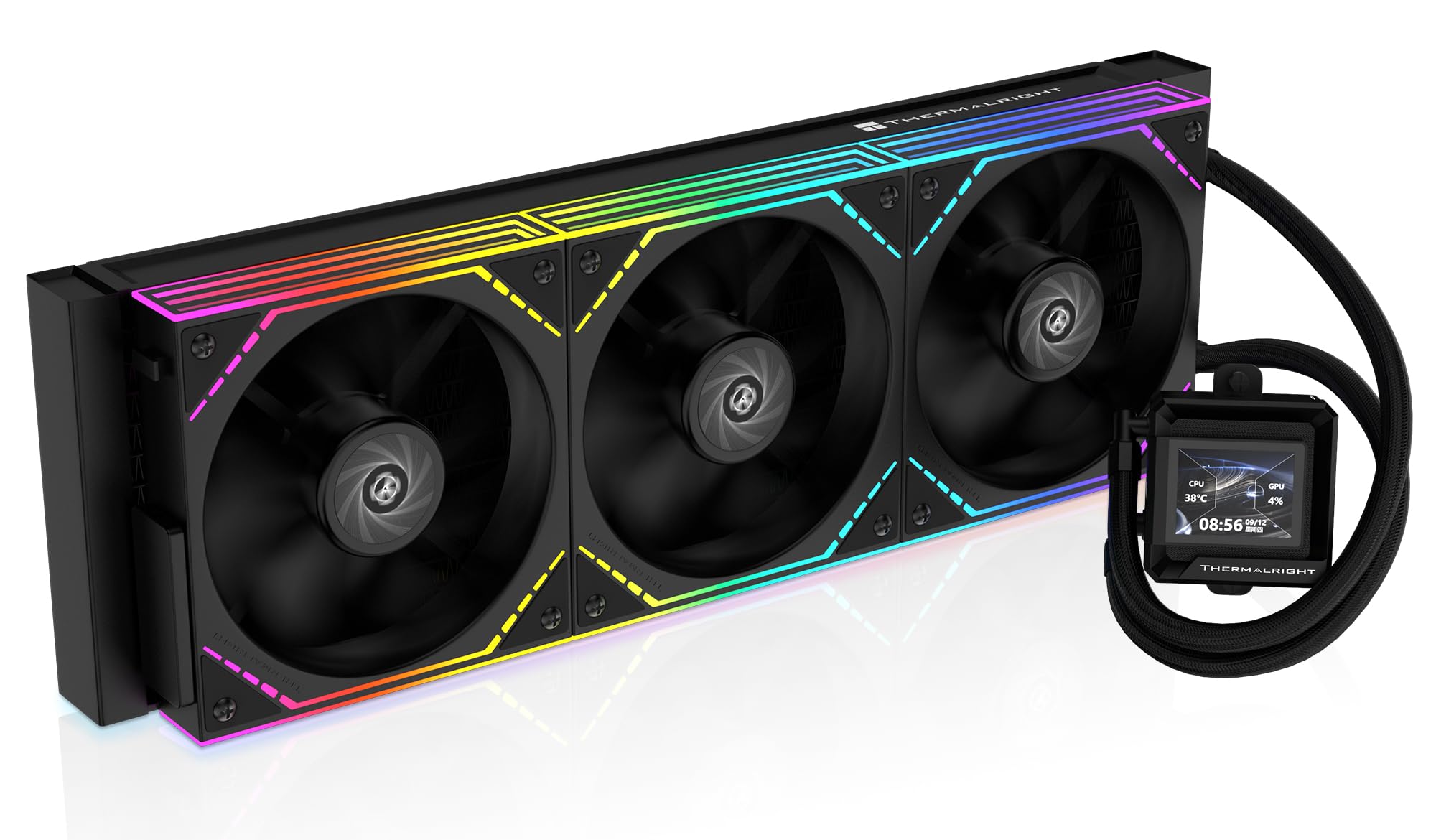 COOLThermalright FW360 SE ARGB V2 (AIO)$100
 RAMTEAMGROUP T-Force Vulcan - 32GB - DDR5 - 6000MHz$400
 GPUPNY GeForce RTX 5070$616
- SSDSandisk 2TB WD_Black SN7100$290
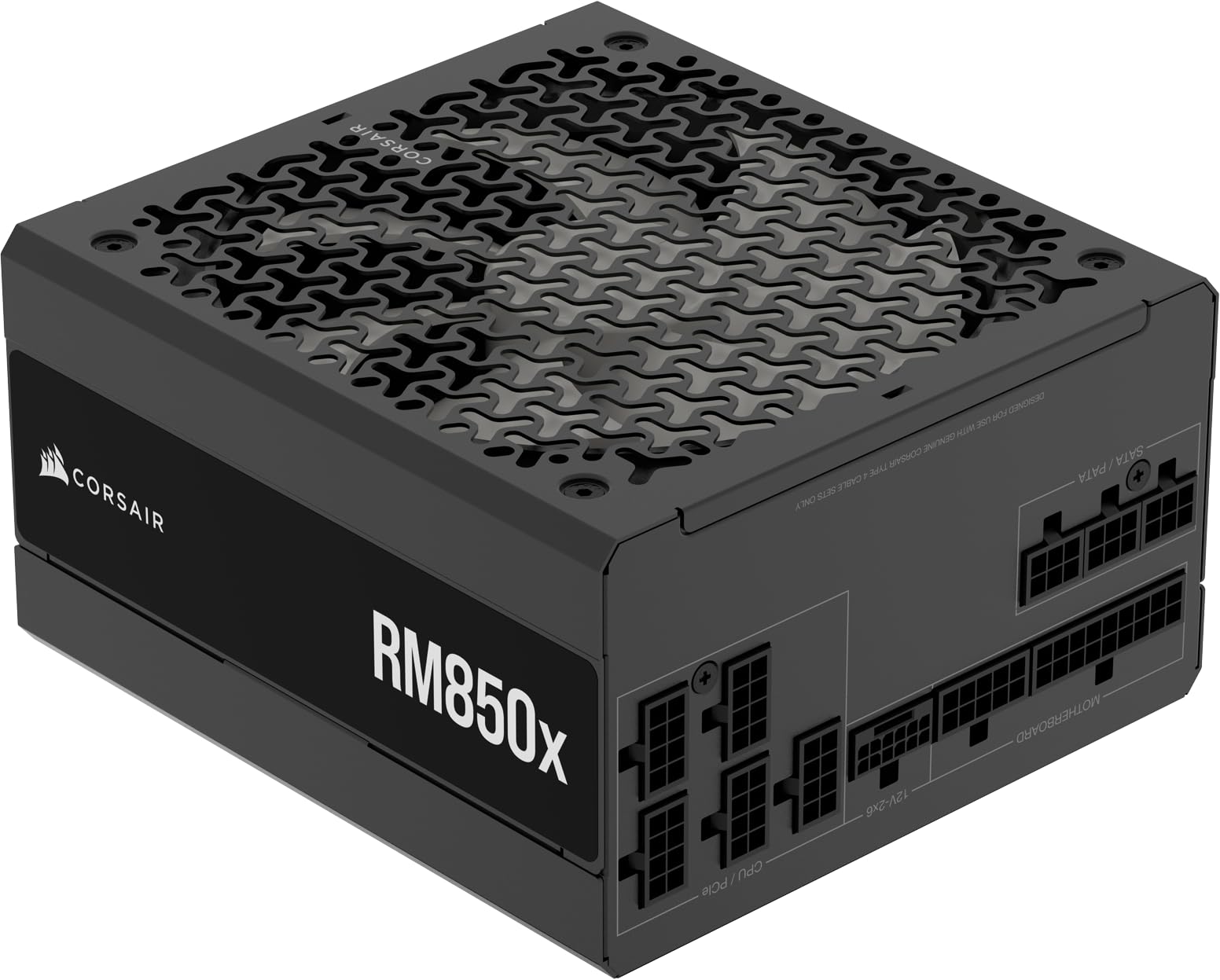 PSUCorsair RM850x - 850W$140
 CASELian Li V100$75
Balanced
Recommended- CPUAMD Ryzen 9 9950X3D$670
 MBOMSI MAG B850 Tomahawk MAX$209
- COOLbe quiet! Dark Rock Pro 5 (Air cooler)$85
- RAMCorsair Vengeance - 32GB - DDR5 - 6000MHz$415
 GPUGIGABYTE Radeon RX 9060 XT$460
 SSDSamsung 1TB 9100 Pro$250
 PSUCorsair RM1000e$140
 CASEMontech XR-B$70
The call
All three builds are viable within a $2500 budget. The value build saves $633.12, the balanced build leaves $201.19, while the performance build exceeds the budget by $18.80. The balanced strategy offers the best compromise between cost and capability without overspending.
For users strictly adhering to a $2500 budget, the balanced build is the wisest choice, delivering strong performance without overspending. The value build is ideal for maximizing savings, while the performance build suits those comfortable with a minor budget overage for top-tier speed. Verify component availability and personal needs before purchasing.
The budget of $2,500 is realistic for a creation-focused PC that prioritizes CPU cores, supports 64GB RAM, includes GPU acceleration, and fast NVMe storage.
Why these parts work together
Value build
The Value Build places the lion’s share of the budget on CPU muscle: the 16‑core, 32‑thread Ryzen 9 9950X tears through renders and multi‑camera timelines. Paired with the ASRock Intel Arc B580 Challenger GPU, you get hardware AV1 encoding and 12GB of VRAM for smooth 4K playback, without overspending. The MSI MAG B650 Tomahawk WiFi board offers four DIMM slots, so the included 32GB (2x16GB) Corsair Vengeance 6000MHz kit can later be doubled to 64GB. Storage-wise, the WD_Black SN7100 1TB Gen4 SSD delivers 7,250 MB/s reads for rapid project loads, while the 850W MSI PSU and Montech AIR 903 MAX case keep everything cool and quiet.
Performance build
The Performance Build edges just $19 over the $2,500 mark to bring you the Ryzen 9 9950X3D’s 3D V‑Cache advantage, which accelerates timeline responsiveness in After Effects and Resolve. The star GPU is PNY’s RTX 5070 with 12GB GDDR7: its NVENC encoder and CUDA cores shred through 4K renders and motion graphics. The MSI MAG X870 Tomahawk WiFi provides PCIe 5.0 and four RAM slots; the included 32GB T‑Force Vulcan 6000MHz kit leaves room to reach 64GB. A Thermalright 360mm AIO keeps the 9950X3D under control, while the 2TB WD_Black SN7100 (7,250 MB/s) and Corsair RM850x PSU offer speed and headroom for future upgrades.
Balanced build
The Balanced Build blends Gen5 speed with a 16‑core Ryzen 9 9950X3D and a 16GB Gigabyte Radeon RX 9060 XT, giving you ample VRAM for 4K and even light 6K/8K proxy workflows. The MSI MAG B850 Tomahawk MAX WiFi board will host the Samsung 9100 PRO 1TB Gen5 SSD, which reads at up to 14,700 MB/s, ideal for scrubbing through high‑resolution footage. Like the other builds, the 32GB Corsair Vengeance 6000MHz kit can be expanded to 64GB. A be quiet! Dark Rock Pro 5 air cooler and Corsair RM1000e (2025) PSU provide efficient, quiet operation, all housed in the Montech XR‑B wood‑accent case.
Frequently asked questions
Can I upgrade these builds to 64GB of RAM later?
Absolutely. Every motherboard in these builds features four DDR5 slots and ships with a 2x16GB configuration. You can add an identical second kit to reach 64GB, or swap to a 2x32GB set. All AM5 boards listed support at least 192GB total capacity with the latest BIOS, so 64GB is well within reach.
Will these PCs handle real‑time 4K editing in DaVinci Resolve and Premiere Pro?
Yes. Each build sports a 16‑core CPU and a GPU with hardware encoding (Intel Arc’s QSV, NVIDIA NVENC, or AMD AMF) and at least 12GB of VRAM. That’s enough for smooth 4K timeline playback, color grading, and effects. The Balanced and Performance builds, with their 3D V‑Cache and higher VRAM, will feel even snappier on complex multicam projects.
Can I also game or stream with these video editing PCs?
Definitely. The GPUs selected (Arc B580, RTX 5070, and RX 9060 XT) are all capable of 1440p gaming at high settings. The RTX 5070 and RX 9060 XT can even push into 4K gaming. For streaming, each GPU includes a dedicated hardware encoder, so your CPU editing performance won’t be affected while live streaming.
What’s the biggest limitation of the Value Build compared to the others?
The Value Build uses a PCIe 4.0 motherboard and GPU, so you miss the very fastest Gen5 storage and future GPU bandwidth. Its 12GB VRAM is fine for 4K but may struggle with heavy 8K timelines or large 3D motion‑graphics renders without proxies. However, for pure 4K editing at this price, it’s hard to beat.
Is the Performance Build worth the $19 over budget?
For professional editors who rely on CUDA‑accelerated effects in Adobe software or want the best possible GPU for rendering and AI‑powered tools, the RTX 5070’s encoder and the 9950X3D’s extra cache make a noticeable difference. The $19 premium is minimal for a build that will stay relevant longer.
More Video Editing builds
Other builds we recommend
Compare before you buy
Describe your own needs and budget, and get three compatibility-checked builds in minutes.