Disclosure: we earn a commission when you buy through links on this page, at no extra cost to you. Build recommendations on this page are generated by AI from a compatibility-checked parts catalog, and prices are estimates.
The Best Video Editing PC Build Under $1,500 (2026)
Updated Jul 22, 2026. Prices are estimates and may have changed.
Editing 4K video in Premiere Pro or DaVinci Resolve demands a balanced mix of CPU cores, RAM, and fast storage. We've put together three builds that target that sweet spot under $1,500, starting with a budget-friendly value build at $1,130, a well-rounded balanced build at $1,462, and a performance-oriented build at $2,120 for those who can stretch. The value build uses the AM4 platform with DDR4 to save money while still delivering an 8-core Ryzen 7 and a Gen4 SSD. The balanced build steps up to AM5, DDR5, and a 12-core Ryzen 9 for smoother timeline scrubbing and faster exports. The performance build adds a 16-core CPU, a more powerful GPU with 12GB VRAM, and triple SSDs for heavy multitasking. All three are ready for 4K workflows right out of the box.
Three video editing PC builds compared
Value


Performance
 CPUAMD Ryzen 9 9950X$496
 MBOGIGABYTE B650 AORUS Elite$140
 COOLThermalright Phantom Spirit 120 SE Black (Air cooler)$38
 RAMTEAMGROUP T-Force Vulcan - 32GB - DDR5 - 6000MHz$400
 GPUASRock Radeon RX 7700 XT$410
 SSDSandisk 1TB WD Blue SN5100$183
 SSDKingston 1TB NV3$159
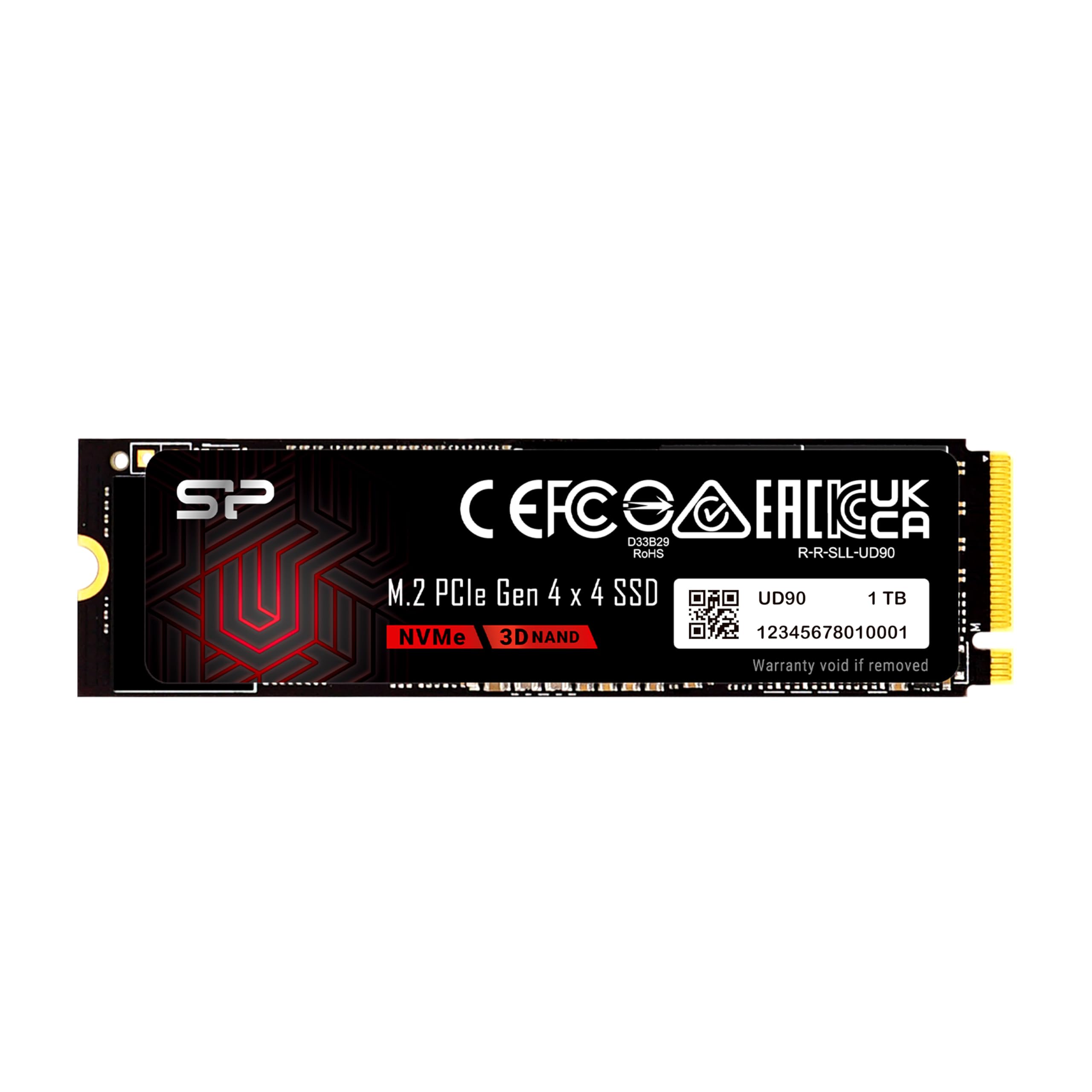 SSDSP Silicon Power 1TB UD90$166
 PSUMontech Century II - 850W$80
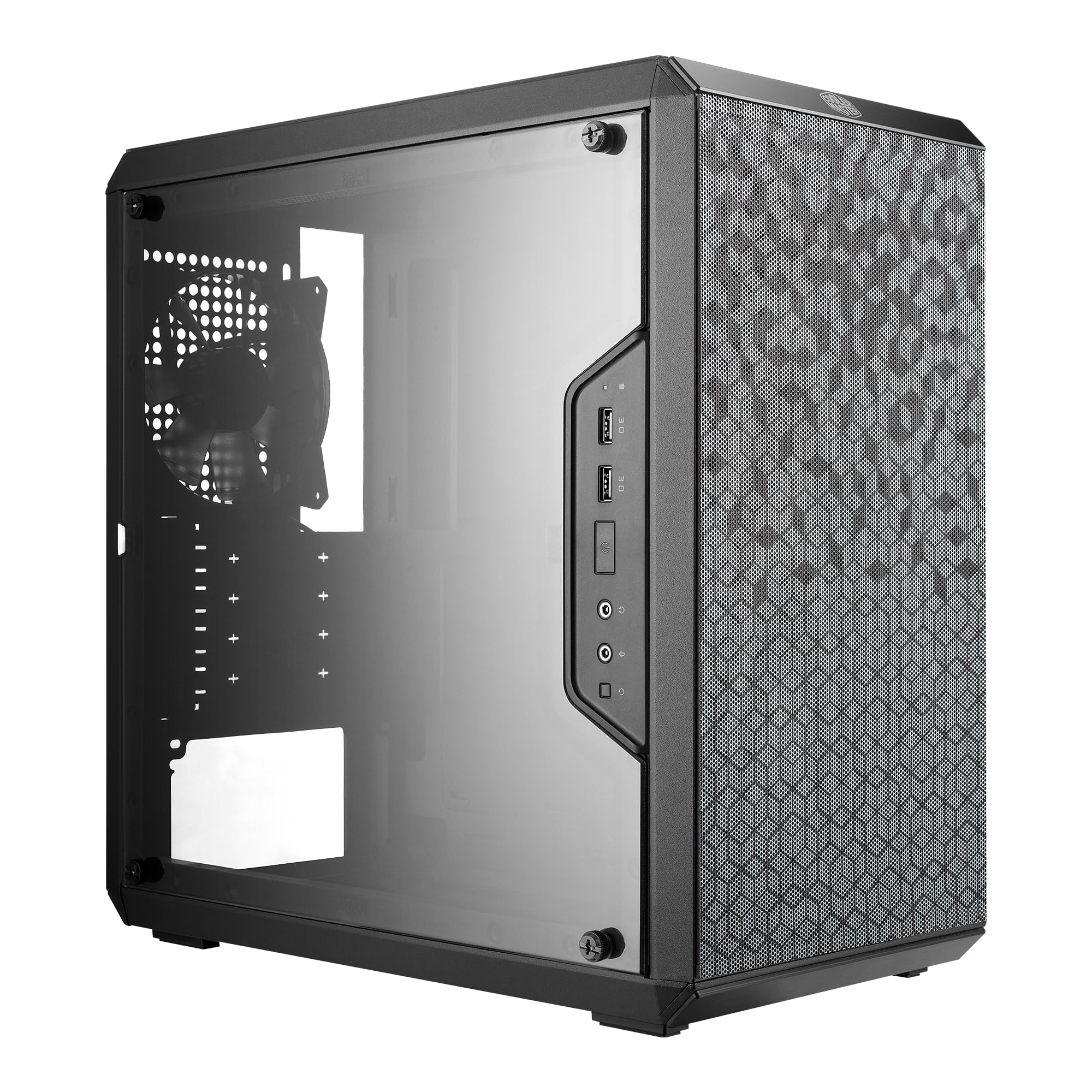
 CASEMOROVOL 621$48
Balanced
Recommended- CPUAMD Ryzen 9 9900X$329
- MBOGIGABYTE B650 AORUS Elite$140
- COOLThermalright Phantom Spirit 120 SE Black (Air cooler)$38
- RAMTEAMGROUP T-Force Vulcan - 32GB - DDR5 - 6000MHz$400
 GPUASRock Radeon RX 7600$280
- SSDKingston 1TB NV3$159
 PSURosewill VMG - 750W$66
 CASEThermaltake Versa H21$50
The call
With a $1,500 budget, the value build at $1,130.28 leaves $369.72 unspent, the performance build at $2,119.64 exceeds the budget by $619.64, and the balanced build at $1,462.08 comes in just $37.92 under. The balanced build maximizes the available budget.
Choose the balanced build to get the most out of your $1,500 budget without going over. If you prefer to save money for other purchases, the value build is a solid alternative at over $300 less. Only consider the performance build if you can extend your budget by about $620.
A $1500 budget is realistic for a content creation PC. You can get a modern 8+ core CPU, 32GB of DDR5 RAM, a fast 1TB NVMe SSD, and a capable GPU like an RTX 4060 Ti or even a 4070 with careful part selection.
Why these parts work together
Value build
We went with the Ryzen 7 5700X on the AM4 platform to keep costs low without sacrificing core count for 4K timeline playback. The 32GB of fast DDR4 at 3600MT/s and the 1TB Gen4 NVMe SSD (reads up to 5,000 MB/s) ensure smooth scrubbing and quick project loads. The RX 7600 with 8GB GDDR6 handles H.264 and H.265 decoding well; if you work heavily with color grading, you may want to upgrade the GPU later.
Balanced build
This build hits the $1,500 target with a Ryzen 9 9900X 12-core CPU and DDR5 memory on the AM5 platform, a noticeable boost for export times and multi-layer 4K timelines. The 1TB Gen4 SSD (6,000 MB/s reads) keeps your cache and project files fast. The RX 7600 8GB GPU is adequate for standard editing, but the real win here is the CPU power for rendering and the upgrade path to future Ryzen processors and more RAM.
Performance build
The $2,120 build is over budget but shows what's possible: a 16-core Ryzen 9 9950X, RX 7700 XT with 12GB VRAM for smoother effects and color grading, and three Gen4 SSDs (one for OS/apps, one for projects, one for cache). The 850W PSU leaves headroom for GPU upgrades. This is for editors who need maximum render speed and handle heavy 4K timelines with multiple streams.
Frequently asked questions
Can these builds handle 4K timelines in DaVinci Resolve?
Yes. All three builds have 8+ CPU cores, 32GB RAM, and Gen4 NVMe storage, which are key for 4K playback. The value and balanced builds use the RX 7600 (8GB VRAM), which works well for standard timelines but may choke on heavy Fusion effects or noise reduction. The performance build's 12GB GPU gives more room for complex color work.
Is the RAM upgradable in these builds?
Yes. The value build's MSI B550M motherboard has four DIMM slots (two populated by the 32GB kit), so you can add another kit later without replacing anything. The balanced and performance builds are on GIGABYTE B650 boards with four DDR5 slots; you can add another 32GB kit later. Both platforms support speeds up to the rated kit values.
Do I need additional storage for video projects?
The value and balanced builds include a single 1TB SSD, enough for the OS, software, and a few active projects. For larger 4K libraries, you'll want a second drive. The performance build already has three 1TB SSDs for separation. The value and balanced builds' motherboards have extra M.2 and SATA ports for expansion; the performance build's three M.2 slots are already filled by its three drives, but its four SATA ports remain free.
Can I use these builds for gaming?
They will play games at 1080p/1440p, but the priority here is video editing. The RX 7600 and RX 7700 XT are capable GPUs, and the CPUs are strong for gaming too. However, if gaming is your main use, you'd want a higher-tier GPU and possibly 16GB VRAM for modern titles.
Why are all builds AMD-based?
AMD's Ryzen CPUs offer excellent multi-core performance for video editing at competitive prices. The AM5 platform (balanced and performance builds) also supports PCIe 5.0 and future Ryzen chips, giving you a clear upgrade path. Intel alternatives would work, but these AMD builds hit the best price-to-performance for your $1,500 target.
More Video Editing builds
Other builds we recommend
Compare before you buy
Describe your own needs and budget, and get three compatibility-checked builds in minutes.