Disclosure: we earn a commission when you buy through links on this page, at no extra cost to you. Build recommendations on this page are generated by AI from a compatibility-checked parts catalog, and prices are estimates.
The Best Gaming PC Build Under $1,000 (2026)
Updated Jul 22, 2026. Prices are estimates and may have changed.
If you’re building a gaming PC under $1,000 for 2026 and want to tear through modern AAA titles at 1440p, you’ve come to the right place. The three builds below all use the proven AM4 platform, letting you drop in a Ryzen 5000 CPU and a powerful GPU without breaking the bank. We’ve focused on GPU performance while keeping the rest of the system balanced and upgradeable: each build includes a quality B550 motherboard, quality DDR4 RAM (up to 3200MHz on the balanced and performance builds), and a dedicated CPU cooler. Whether you stretch to the performance tier or stick with the value option, every rig here is ready for 1440p gaming right now.
Three gaming PC builds compared
Value
 CPUAMD Ryzen 5 5500$80
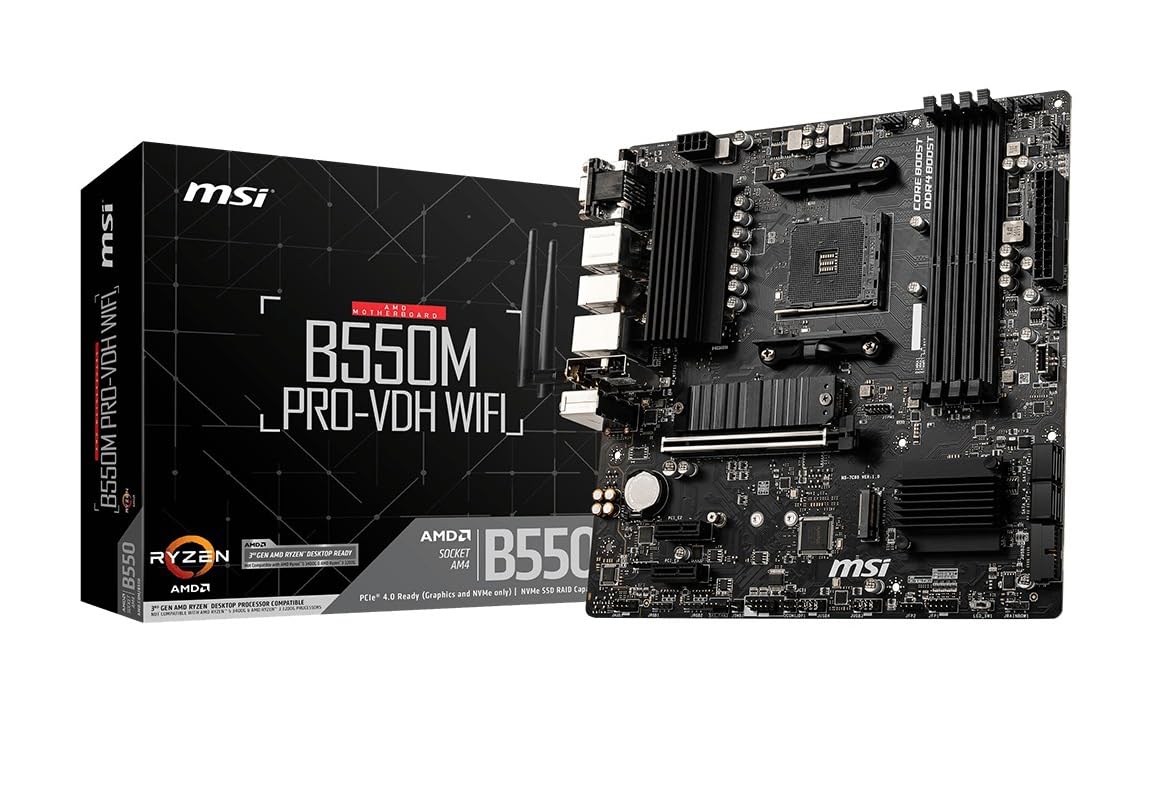 MBOMSI B550M PRO-VDH$80
 COOLThermalright Phantom Spirit 120 SE Black (Air cooler)$38
 RAMOLOy Black Owl - 16GB - DDR4 - 2666 MHz$102
 GPUASRock Radeon RX 7600$280
 SSDKingSpec 512GB NX Series$86
 SSDFanxiang 256GB S500 Pro$51
 PSUARESGAME AGV Series - 500W$38
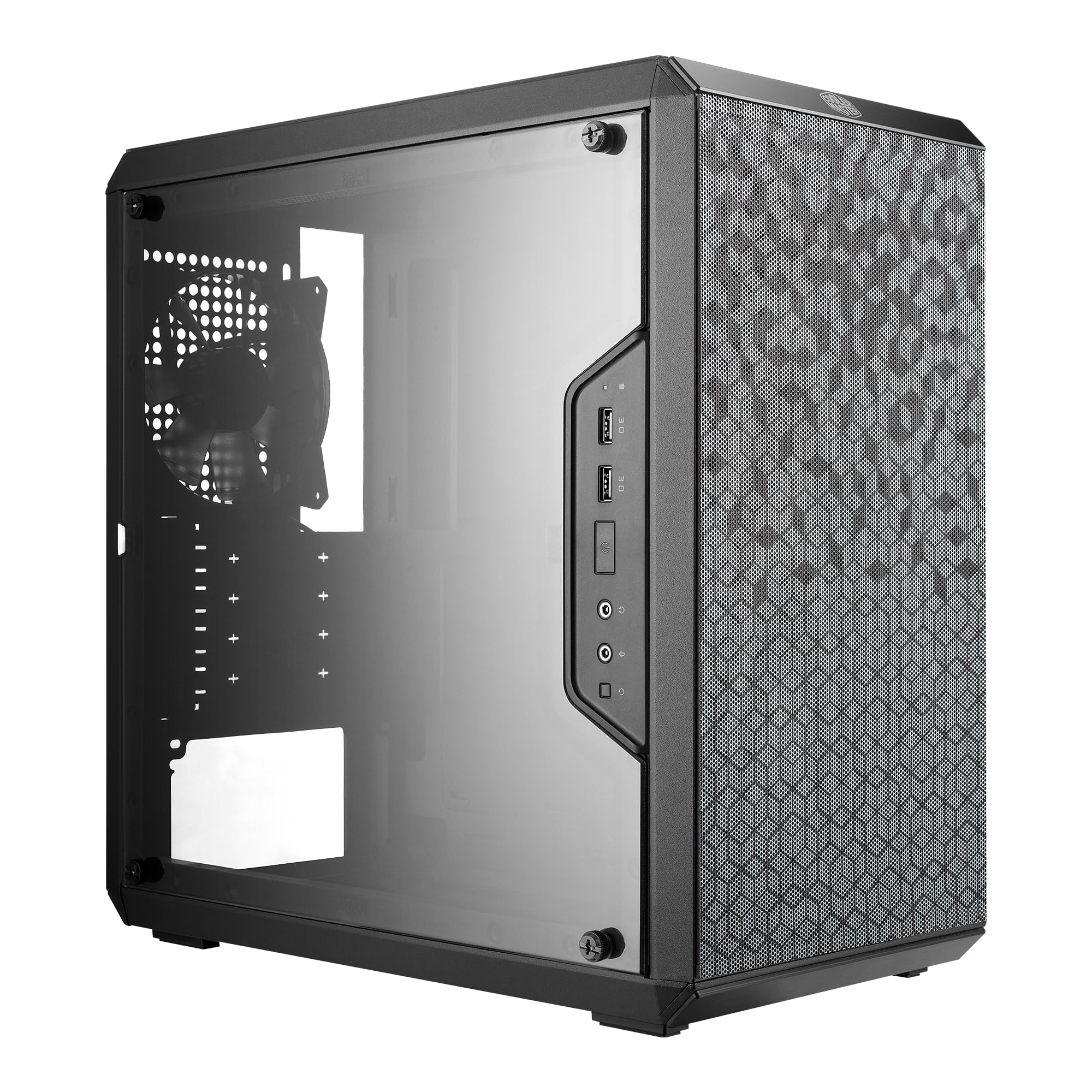 CASECooler Master MasterBox Q300L$40
Performance
- CPUAMD Ryzen 5 5600$146
 MBOGIGABYTE B550 Eagle$100
- COOLThermalright Phantom Spirit 120 SE Black (Air cooler)$40
 RAMG.SKILL RipjawsV - 16GB - DDR4 - 3200MT/s$119
 GPUGIGABYTE Radeon RX 9060 XT$460
- SSDKingSpec 512GB NX Series$86
 PSUSegotep GN-650 - 650W$50
 CASEMOROVOL 621$48
Balanced
Recommended- CPUAMD Ryzen 5 5600$146
- MBOGIGABYTE B550 Eagle$100
 COOLThermalright Phantom Spirit 120SE (Air cooler)$36
- RAMG.SKILL RipjawsV - 16GB - DDR4 - 3200MT/s$119
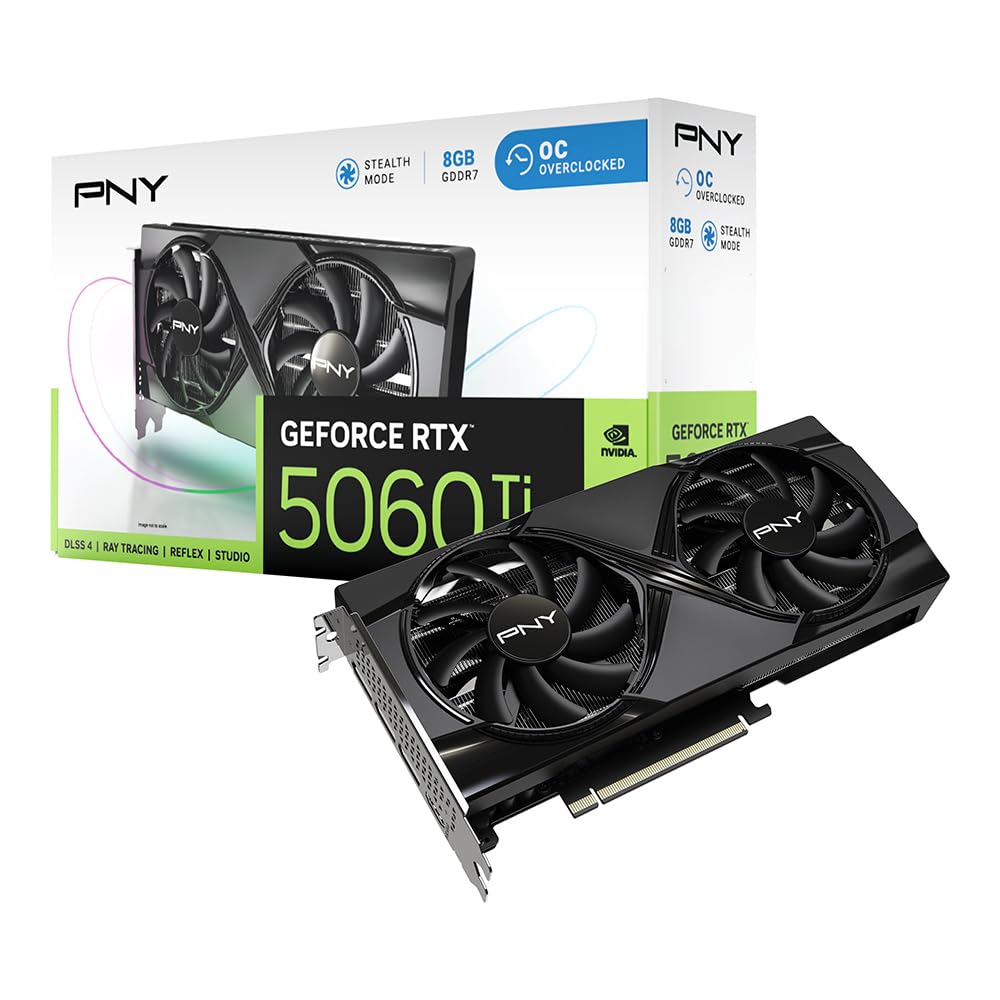 GPUPNY GeForce RTX 5060 Ti$360
- SSDKingSpec 512GB NX Series$86
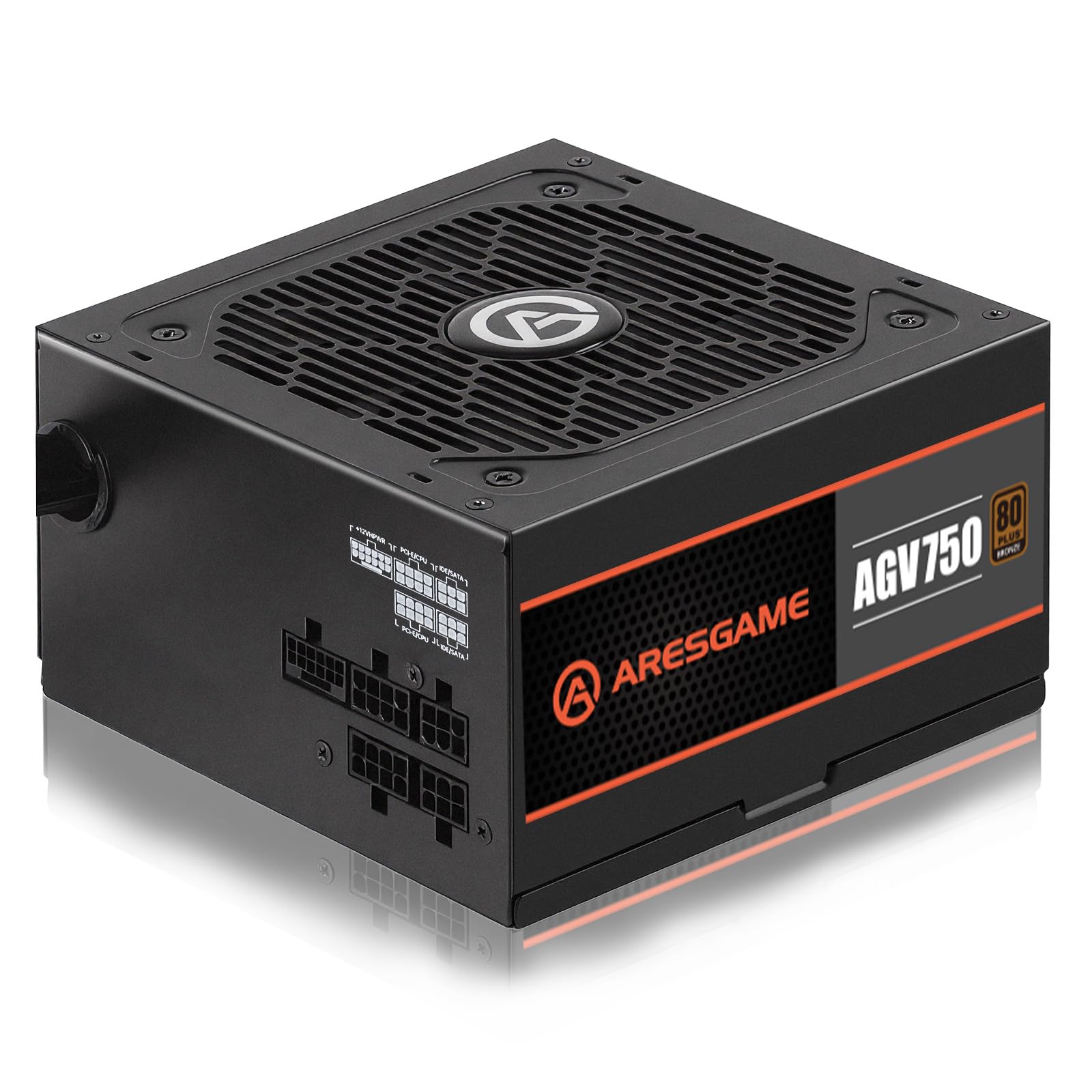 PSUARESGAME - 750W$50
 CASEMontech XR-B$70
The call
The balanced build offers the best compromise, staying under the $1000 budget while likely delivering strong performance. The value build saves the most money but may sacrifice capability, while the performance build slightly exceeds the budget.
If you must stay strictly within the $1000 budget, the balanced build is the safest choice, providing solid performance without overspending. Consider the value build only if you want to save significantly and don't need high-end gaming or productivity; the performance build is worth the small overage if you can stretch the budget slightly for maximum capability.
The budget of $1000 is realistic for a gaming PC with prioritized GPU performance, balanced components, and upgradeability.
Why these parts work together
Value build
The value build pairs a Ryzen 5 5500 with an RX 7600, giving you solid 1080p performance and playable 1440p on medium settings. We chose the 5500 to save cash, but the real star is the RX 7600’s RDNA 3 efficiency. The 500W PSU is tight; avoid upgrading the GPU without a PSU swap. Dual NVMe drives let you split OS and games, giving you 768GB total (512GB + 256GB) to work with. The Phantom Spirit 120 SE cooler is overkill for the 5500 but leaves room for a future CPU upgrade.
Performance build
This performance build goes all-out for 1440p AAA with a 16GB RX 9060 XT, giving you extra VRAM for high textures and ray tracing. The Ryzen 5 5600 and 3200MHz CL16 RAM minimize CPU bottlenecks at 1440p. We added a 650W Gold PSU for efficiency and a case with four pre-installed RGB fans for airflow. The 512GB SSD is a one-drive setup, so you’ll want to add a second drive soon. Over budget by ~$48, but that VRAM headroom is worth it for heavy mods and future titles.
Balanced build
The balanced build is our sweet spot for $1,000: a Ryzen 5 5600 with an RTX 5060 Ti and 8GB of cutting-edge GDDR7 memory. DLSS 4 and frame generation give you a clear edge in 1440p AAA titles. The 750W semi-modular PSU is overbuilt today but lets you drop in a hungrier GPU later. The Montech XR-B case has three ARGB fans and great airflow. Only 512GB of storage (budget-conscious), but you can easily add a $40 1TB drive. This rig delivers strong 1440p performance for years to come.
Frequently asked questions
Can these builds run AAA games at 1440p 60 fps?
Yes. The value build will hit 60 fps on medium settings in most AAA titles; the balanced and performance builds can handle high-to-ultra at 60+ fps with upscaling. For ray tracing, expect solid performance from the RTX 5060 Ti (balanced) and more modest results from the RX 9060 XT (performance), since AMD's RT hardware still trails Nvidia's.
What upgrade path do these AM4 builds offer?
You can upgrade to a Ryzen 7 5700X3D or 5800X3D later for a big gaming boost. The B550 motherboard also supports PCIe 4.0 NVMe drives and faster RAM. The PSU determines your GPU upgrade ceiling: the balanced build’s 750W is best for future high-end cards.
Is 16GB of RAM enough for modern gaming?
Yes, 16GB is sufficient for almost all current AAA games at 1440p. If you stream or run heavy multitasking, you can later upgrade to 32GB by adding another 2x8GB kit. All builds use dual-channel DDR4 for optimal performance.
Should I add more storage right away?
The balanced and performance builds come with only a 512GB NVMe SSD, which fills quickly with modern games; the value build pairs a 512GB and a 256GB drive for 768GB total. We recommend adding a 1TB or 2TB SATA SSD or a second NVMe shortly after building for a more comfortable game library on the balanced and performance builds.
More Gaming builds
Other builds we recommend
Compare before you buy
Describe your own needs and budget, and get three compatibility-checked builds in minutes.