Disclosure: we earn a commission when you buy through links on this page, at no extra cost to you. Build recommendations on this page are generated by AI from a compatibility-checked parts catalog, and prices are estimates.
The Best Streaming PC Build Under $2,000 (2026)
Updated Jul 22, 2026. Prices are estimates and may have changed.
Streaming modern AAA games at high quality from a single PC demands a CPU that can handle both encoding and multitasking, and a GPU that powers 1440p gaming without stutter. Under $2,000, the ideal setup balances these needs. Our recommended balanced build ($1,885) pairs a 12-core Ryzen 9 9900X with a PowerColor RX 9070 XT 16GB: plenty of cores for OBS and Discord while the GPU delivers buttery visuals. For those on a tighter budget, the value build ($1,605) uses the Ryzen 7 7700X and RTX 5070 for excellent 1080p and solid 1440p streaming. If you can stretch a bit, the performance build ($2,637) with a 9800X3D and RTX 5070 Ti ensures top-tier 1440p and even entry-level 4K streaming. All builds use fast DDR5 and NVMe storage to keep load times short and your stream smooth.
Three streaming PC builds compared
Value
Recommended CPUAMD Ryzen 7 7700X$224
 MBOGIGABYTE B650 AORUS Elite$140
 COOLbe quiet! Dark Rock Pro 5 (Air cooler)$85
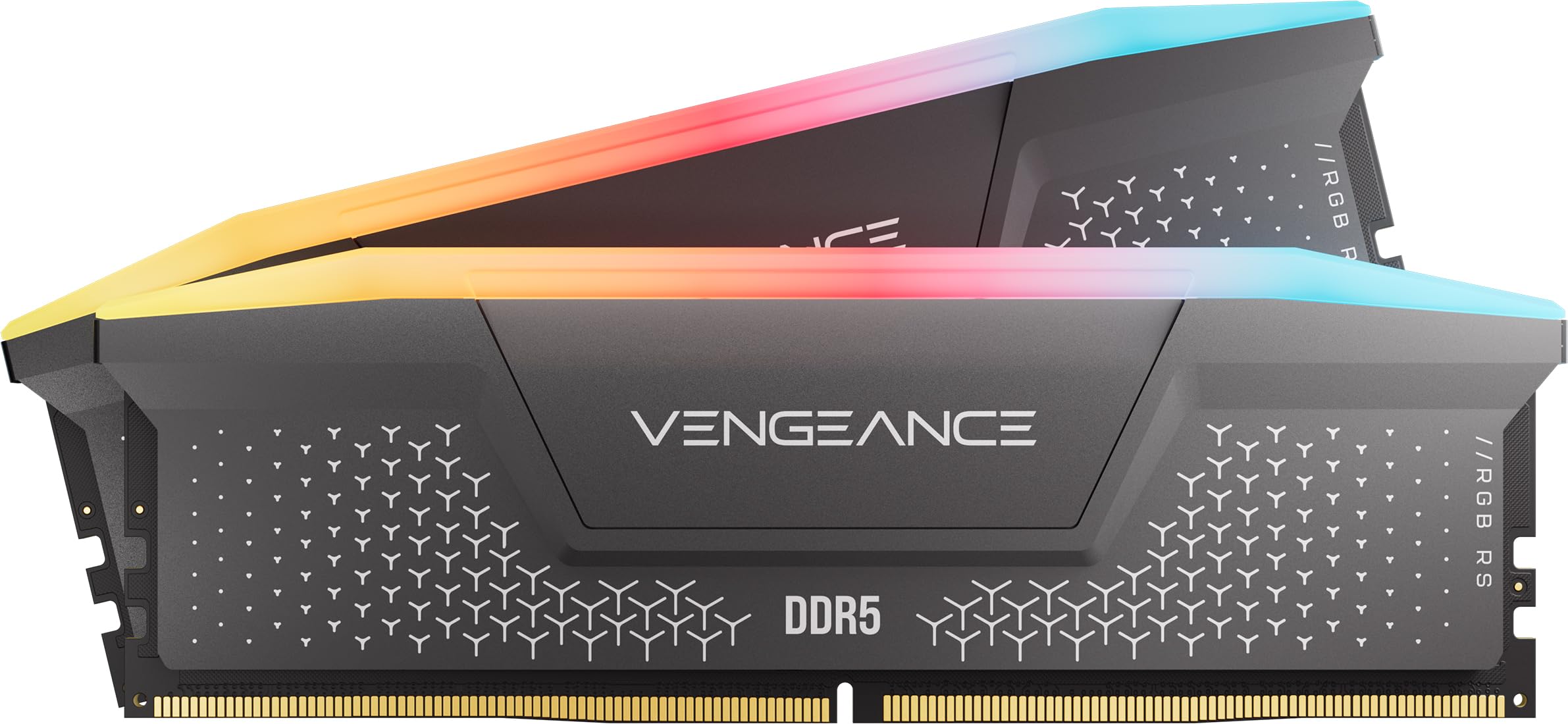 RAMCorsair Vengeance RGB RS - 16GB - DDR5 - 6000MHz$245
 GPUPNY GeForce RTX 5070$616
 SSDKingston 1TB NV3$159
 PSURosewill VMG - 750W$66
 CASEMontech XR-B$70
Performance
- RAM 33 mm exceeds the air cooler clearance of 32 mm: possible conflict.
 CPUAMD Ryzen 7 9800X3D$443
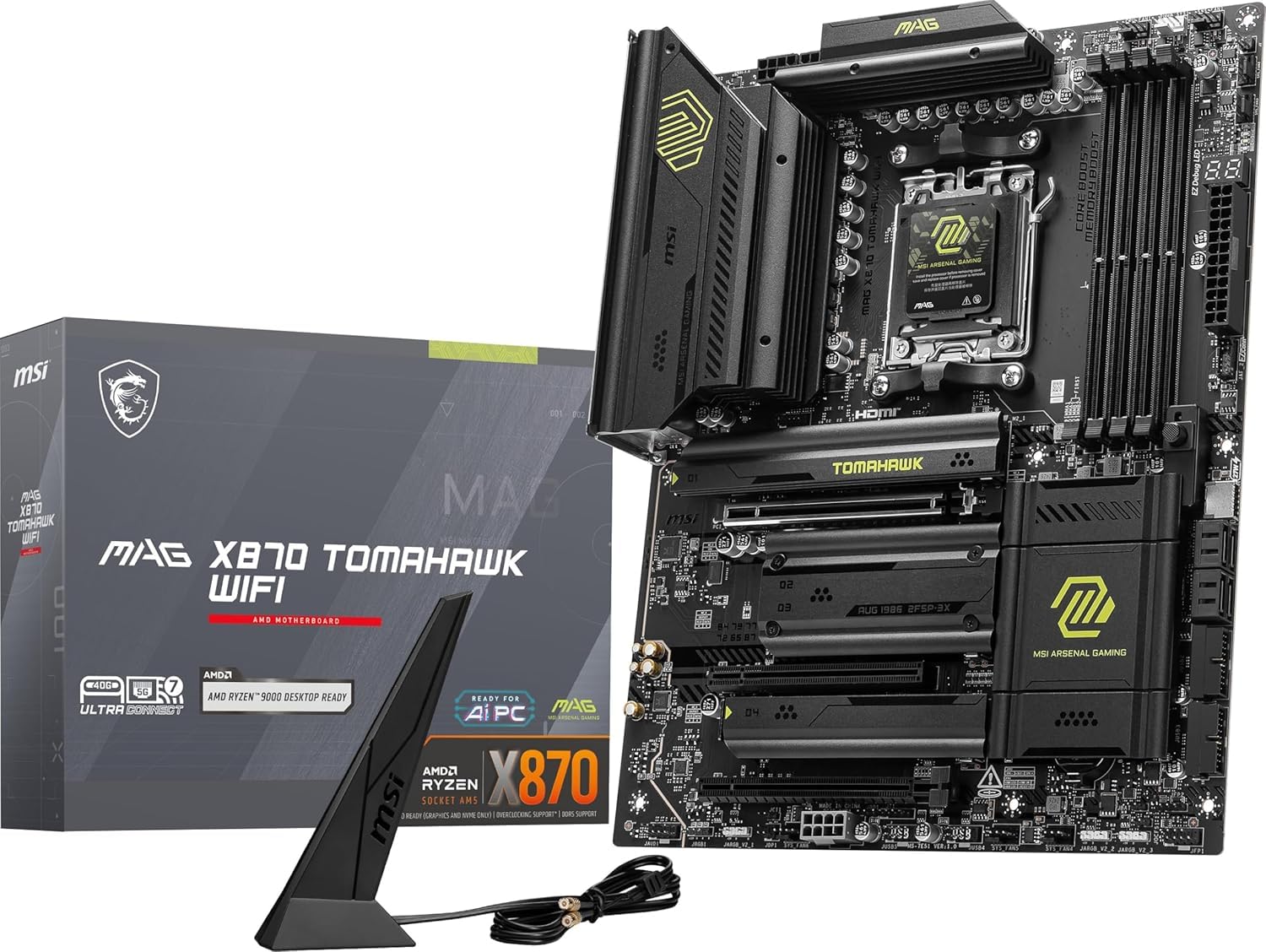 MBOMSI MAG X870 Tomahawk$170
 COOLNoctua NH-D15 chromax.Black (Air cooler)$120
 RAMTEAMGROUP T-Force Vulcan - 32GB - DDR5 - 6000MHz$400
 GPUPNY GeForce RTX 5070 Ti$950
 SSDSandisk 1TB WD_Black SN7100$190
- SSDKingston 1TB NV3$159
 PSUMSI MAG A850GL PCIE5 - 850W$105
 CASELian Li LANCOOL 216$100
Balanced
- RAM 44 mm exceeds the air cooler clearance of 32 mm: possible conflict.
 CPUAMD Ryzen 9 9900X$329
 MBOMSI MAG B650 Tomahawk Gaming$176
- COOLNoctua NH-D15 (Air cooler)$110
- RAMCorsair Vengeance RGB RS - 16GB - DDR5 - 6000MHz$245
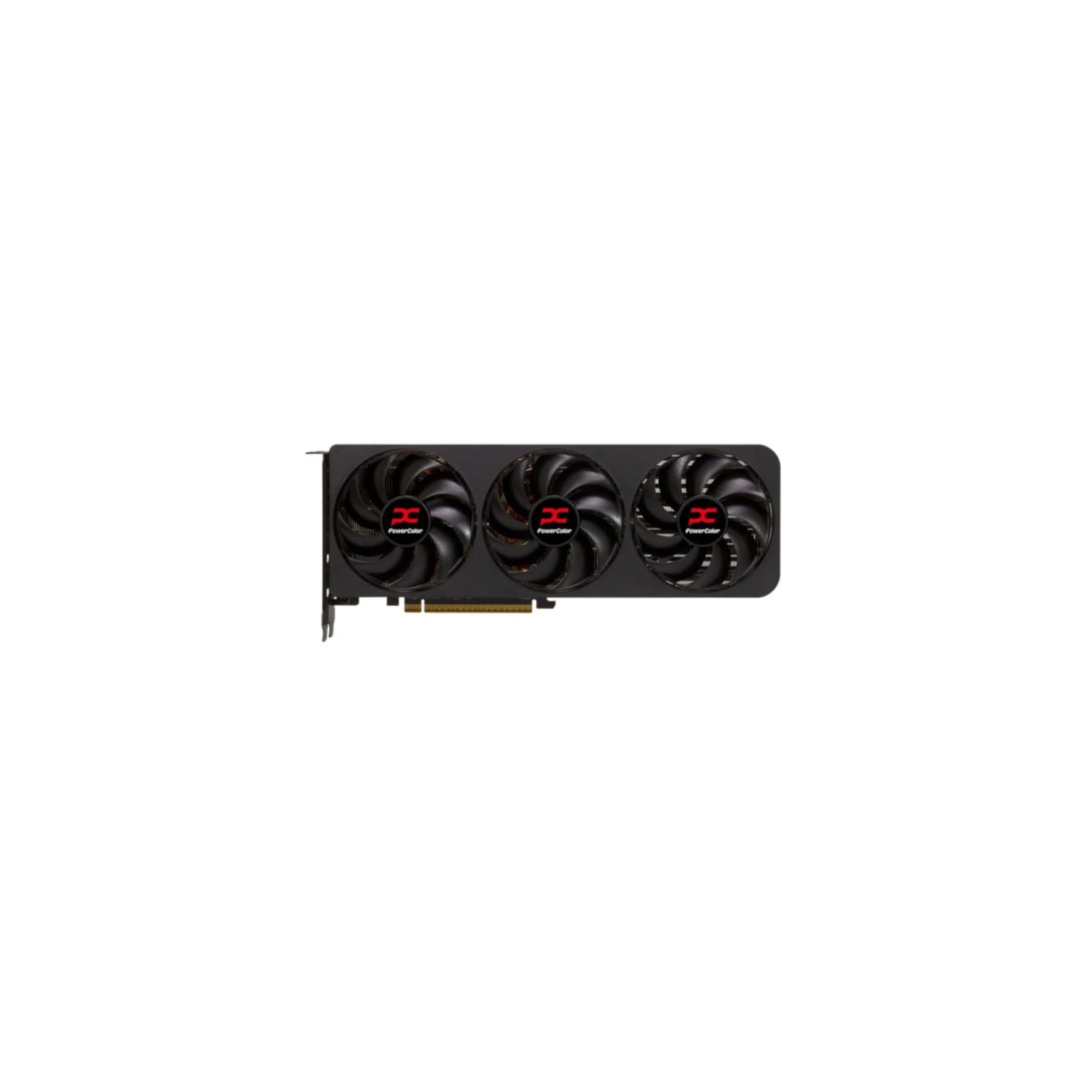 GPUPowerColor Radeon RX 9070 XT$690
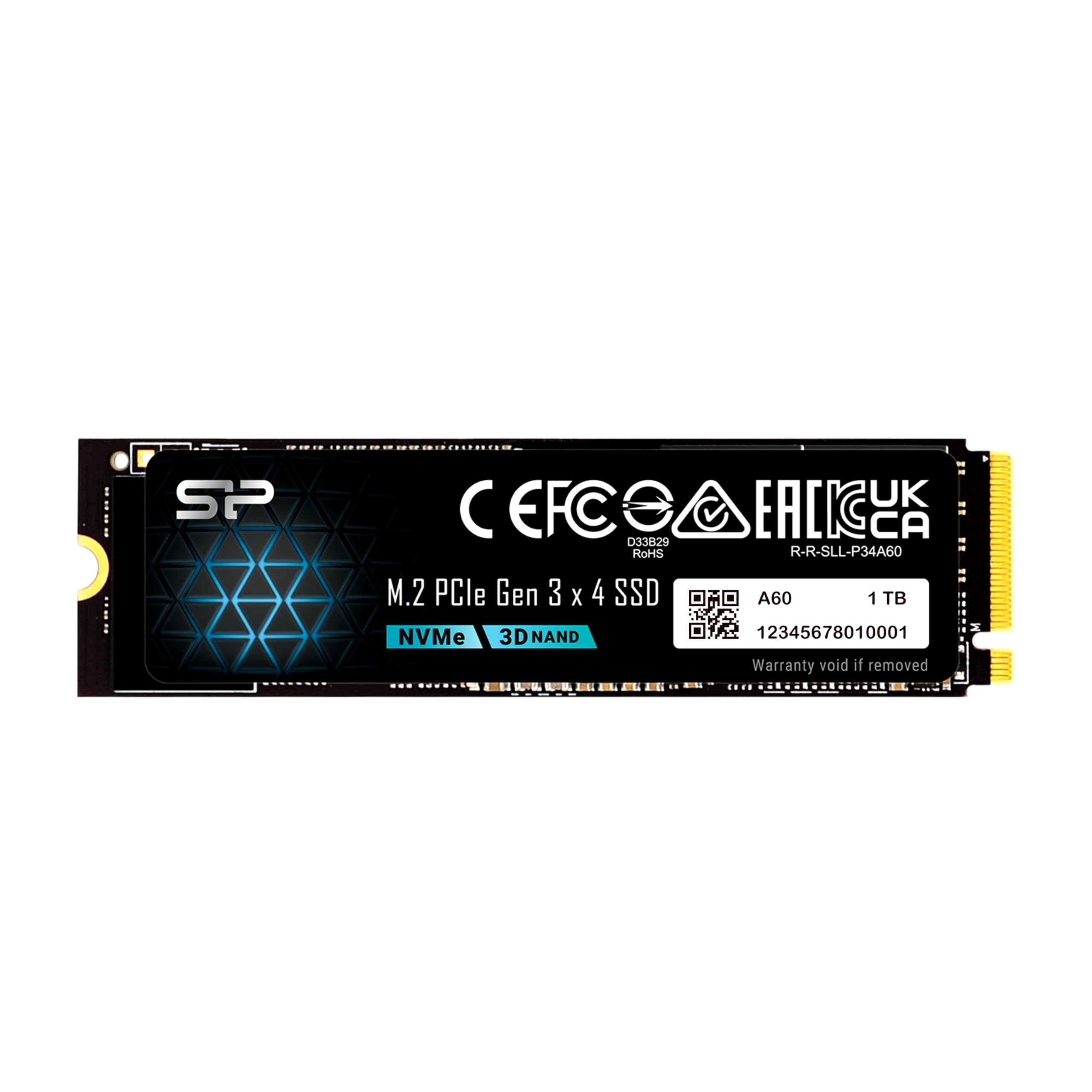 SSDSP Silicon Power 1TB$155
 PSUMSI MPG A850GS PCIE5 - 850W$90
 CASECorsair 4000D RS ARGB$90
The call
The value build is the best choice, staying under the $2000 budget with no compatibility issues. The performance build exceeds the budget and has a RAM clearance conflict, while the balanced build also has a clearance conflict despite being under budget.
Go with the value build. It fits comfortably within your $2000 budget without any hardware conflicts, giving you peace of mind. If you need more performance and can stretch your budget, address the RAM clearance in the balanced build, but the value build is the safest bet.
Budget of $2000 is sufficient for a strong gaming PC with a capable CPU and GPU for 1440p gaming and multitasking.
Why these parts work together
Value build
The Ryzen 7 7700X provides 8 cores and 16 threads for encoding and streaming at 1080p, while the RTX 5070 with 12GB VRAM handles 1440p gaming at high settings. The GIGABYTE B650 AORUS Elite AX offers Wi-Fi 6E and PCIe 5.0 for future storage upgrades. We paired a 750W PSU to keep costs low, and the Dark Rock Pro 5 keeps the CPU cool under extended streaming sessions. 16GB of DDR5 is adequate for most games and streaming tasks, but upgradeable later.
Performance build
This $2,637 build goes beyond the $2,000 budget for those who want uncompromised streaming. The 9800X3D's 3D V-Cache delivers exceptional gaming performance, and with encoding offloaded to the RTX 5070 Ti's NVENC engine, its 8 cores are plenty: you don't need the 9900X's extra cores when the GPU handles the stream. The 16GB RTX 5070 Ti also provides ample VRAM for 1440p ultra and even 4K streaming. The X870 Tomahawk motherboard supports PCIe 5.0 storage, and 32GB of DDR5 ensures plenty of headroom for heavy multitasking. Dual 1TB Gen4 NVMe drives (a fast WD_Black SN7100 plus a second Kingston NV3) give you speed and extra room to grow. Note that the RAM's 33mm height leaves only 1mm of clearance against the NH-D15's 32mm limit, so double-check fitment or consider a lower-profile kit.
Balanced build
At $1,885, this is our sweet spot for streaming under $2,000. The Ryzen 9 9900X has 12 cores and 24 threads, effortlessly handling x264 encoding at medium preset while gaming. The RX 9070 XT with 16GB VRAM matches the RTX 5070 Ti in many titles, excelling at 1440p. The MSI MAG B650 Tomahawk Wi-Fi provides solid connectivity, and the Noctua NH-D15 keeps thermals low. We paired an affordable 1TB Gen3 NVMe drive (plenty of space for your OS, games, and recordings) with an 850W power supply for reliability and upgrade headroom. Note that the 44mm-tall RAM modules exceed the NH-D15's 32mm clearance, so check fitment before you buy or swap in a low-profile kit.
Frequently asked questions
Can these builds stream at 1440p with high in-game quality?
Yes. The balanced build easily handles 1440p high-ultra settings while streaming via NVENC (NVIDIA) or AMF (AMD). The value build may need to drop to medium-high for demanding games at 1440p, and the performance build can do 1440p ultra or even 4K with upscaling.
Are these parts compatible with future upgrades?
All builds use the AM5 socket and DDR5 RAM, so you can upgrade to a newer Ryzen 9000-series CPU later. The value and performance motherboards support PCIe 5.0 M.2 storage for faster future drives, while the balanced build's B650 Tomahawk runs PCIe 4.0. Power supplies are 750W+ and should handle next-gen GPUs within their wattage range.
What can't these streaming PCs do?
None of these builds are ideal for 4K native max settings in AAA games while streaming; even the performance build may need DLSS/FSR. None include a webcam or capture card, so you'll need to add one separately for a face-cam overlay or console capture. And the 16GB RAM in the value/balanced builds may limit heavy multitasking, like running a VM alongside streaming.
Which build is best for NVENC encoding?
The builds with NVIDIA GPUs (value RTX 5070 and performance RTX 5070 Ti) support NVENC, which offloads encoding from the CPU. The value build is great for NVENC at a lower price. The balanced build uses AMD AMF, which is comparable but may require slightly more CPU resources.
More Streaming builds
Other builds we recommend
Compare before you buy
Describe your own needs and budget, and get three compatibility-checked builds in minutes.