Disclosure: we earn a commission when you buy through links on this page, at no extra cost to you. Build recommendations on this page are generated by AI from a compatibility-checked parts catalog, and prices are estimates.
The Best Gaming PC Build Under $1,500 (2026)
Updated Jul 22, 2026. Prices are estimates and may have changed.
Looking for the best gaming PC under $1500 in 2026? You've come to the right place. Whether you want to crush modern AAA titles at high-refresh 1440p or leave room for future upgrades, our curated builds deliver. We've selected three configurations: a value pick, a balanced sweet spot, and a performance stretch option, each built around the latest AM5 platform and DDR5 memory. All are ready for demanding games today while giving you a clear upgrade path for tomorrow. Let's dive into the parts and see how they stack up for your 1440p gaming needs.
Three gaming PC builds compared
Value
- RAM 44 mm exceeds the air cooler clearance of 42 mm: possible conflict.
 CPUAMD Ryzen 5 7600X$160
 MBOGIGABYTE B650 Eagle$140
 COOLThermalright Phantom Spirit 120 EVO (Air cooler)$47
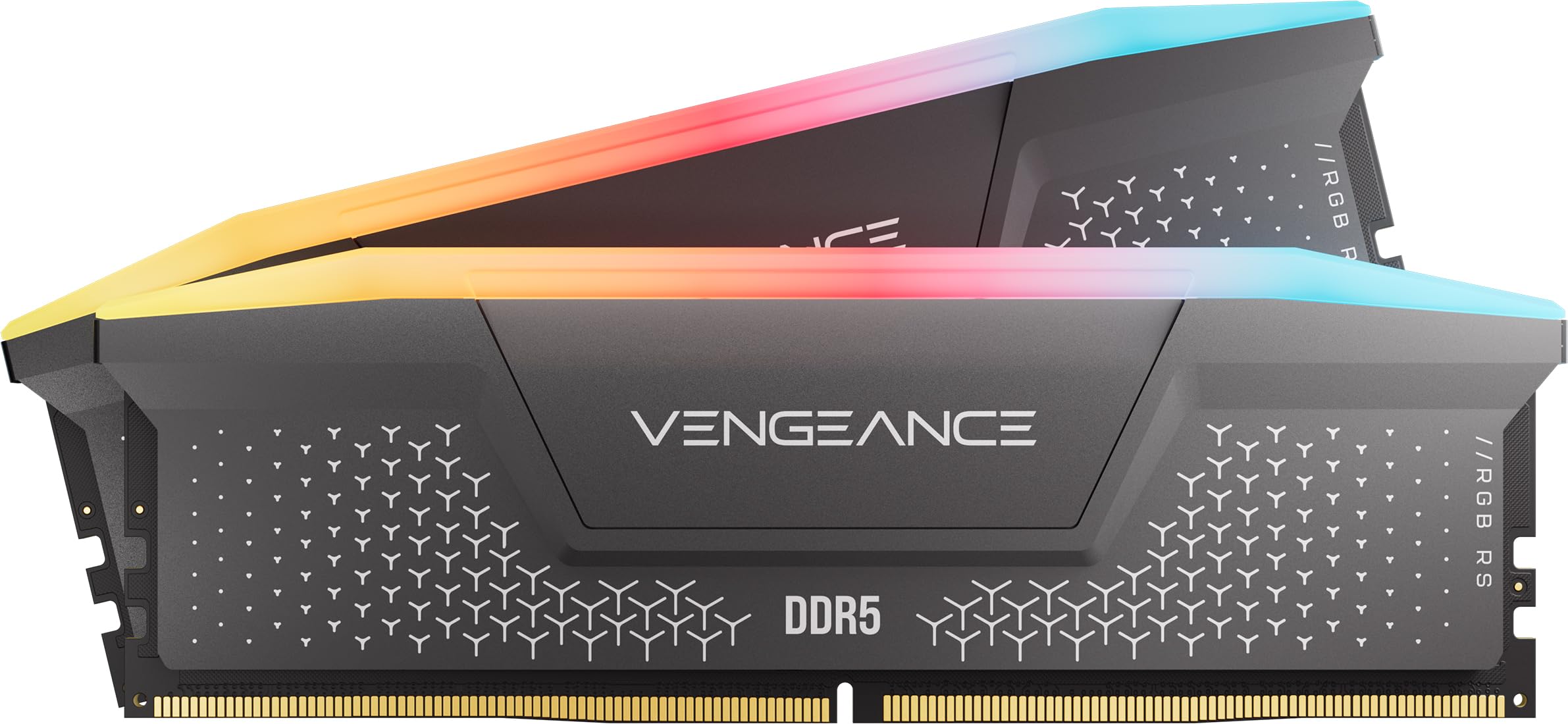 RAMCorsair Vengeance RGB RS - 16GB - DDR5 - 6000MHz$245
 GPUXFX Radeon RX 9060 XT$450
 SSDKingston 500GB NV3$110
 PSUMontech Century II - 850W$80
 CASEMontech AIR 903 MAX$80
Performance
 CPUAMD Ryzen 5 7600X3D$229
 MBOAsus TUF Gaming B650-PLUS$144
 COOLbe quiet! Dark Rock Pro 5 (Air cooler)$85
- RAMCorsair Vengeance RGB RS - 16GB - DDR5 - 6000MHz$245
 GPUPNY GeForce RTX 5070$616
 SSDKingston 1TB NV3$159
 PSUMSI MPG A850GS PCIE5 - 850W$90
- CASEMontech AIR 903 MAX$80
Balanced
Recommended- CPUAMD Ryzen 5 7600X3D$229
 MBOGIGABYTE B650 AORUS Elite$140
- COOLbe quiet! Dark Rock Pro 5 (Air cooler)$85
- RAMCorsair Vengeance RGB RS - 16GB - DDR5 - 6000MHz$245
- GPUXFX Radeon RX 9060 XT$450
- SSDKingston 500GB NV3$110
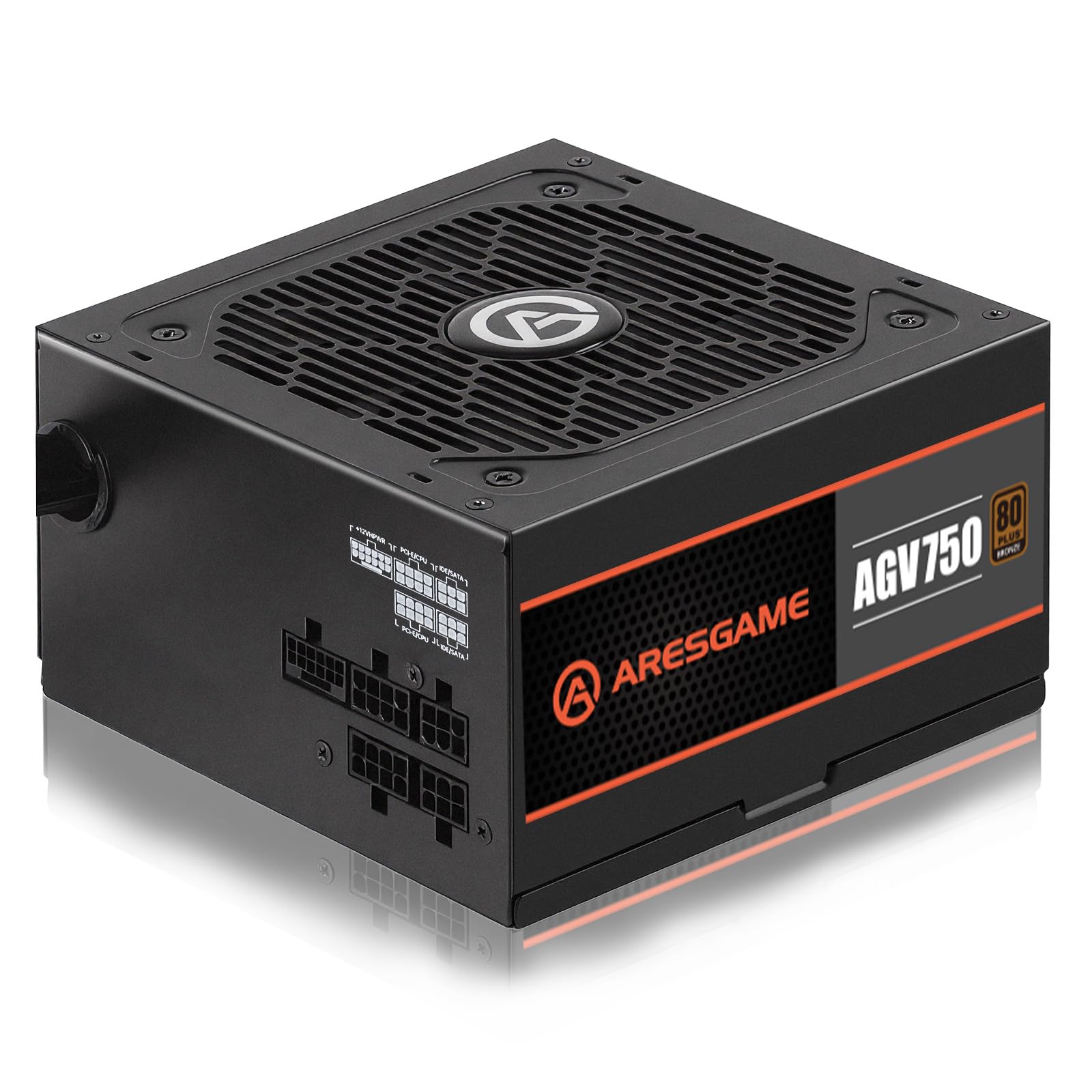 PSUARESGAME - 750W$50
 CASEMontech XR-B$70
The call
After comparing the three builds, the Balanced strategy offers the best overall value: it fits the $1,500 budget, has no compatibility concerns, and delivers solid performance. The Value build is the most affordable but has a RAM clearance warning, while the Performance build exceeds the budget.
Opt for the Balanced build to avoid clearance headaches and stay on budget. If you can stretch your budget and want maximum performance, the Performance build is compelling, but it's $147.73 over.
$1500 is realistic for high-refresh 1440p gaming with future upgrade headroom, e.g., AM5 build with RTX 4070 or RX 7800 XT.
Why these parts work together
Value build
We paired the Ryzen 5 7600X with the RX 9060 XT 16GB for excellent 1440p raster performance. The Thermalright Phantom Spirit 120 EVO keeps the CPU cool, and the 850W Montech PSU leaves tons of headroom for future GPU upgrades. 16GB of DDR5-6000 RAM is enough for gaming, and the 500GB SSD gets you started; add a second drive later. One caveat: the included RAM (44mm) is slightly taller than the cooler's rated 42mm clearance, so double-check the fit before you buy, or opt for a low-profile kit. This build hits high refresh in most AAA titles without breaking the bank. The AM5 motherboard and triple M.2 slots make future upgrades easy.
Balanced build
The Ryzen 5 7600X3D's 3D V-Cache gives a noticeable gaming boost, especially in CPU-bound titles. We kept the same RX 9060 XT and 16GB RAM but upgraded to the be quiet! Dark Rock Pro 5 for near-silent cooling. The GIGABYTE B650 AORUS Elite AX offers better VRMs and Wi-Fi 6E. Storage is still 500GB, but you can easily add an M.2 SSD later. This is the sweet spot for gamers who want extra CPU performance without overspending.
Performance build
If you can stretch your budget by about $150, this build swaps the GPU to the RTX 5070 with 12GB GDDR7 and DLSS 4. The Ryzen 5 7600X3D pairs beautifully with it for high-refresh 1440p with ray tracing. We also doubled storage to 1TB and included a premium PSU with native ATX 3.1 support. The Dark Rock Pro 5 keeps noise low. This build is over the $1500 target but offers the best gaming experience under $1700.
Frequently asked questions
Can these PCs run modern AAA games at 1440p high refresh rates?
Absolutely. The RX 9060 XT (16GB) handles most AAA titles at 1440p high settings with 100+ fps, and the RTX 5070 pushes even higher with ray tracing and DLSS 4. All builds are designed for smooth 1440p high-refresh gaming in 2026 titles.
Are there upgrade paths for the CPU or GPU later?
Yes, every build uses the AM5 socket (Ryzen 7000/8000/9000 compatible) and an 850W PSU (except the balanced build's 750W, which still leaves GPU headroom). You can drop in a Ryzen 9 or next-gen CPU, and the 850W PSU supports high-end GPUs like the RTX 5080. The motherboards have at least two M.2 slots for extra storage.
Is 16GB of RAM enough for gaming in 2026?
For most current games, 16GB of DDR5-6000 is sufficient, and the RAM included is dual-channel for optimal performance. However, some newer titles and multitasking scenarios may benefit from 32GB. All motherboards have two open DIMM slots, so you can upgrade to 32GB later by adding another 2x8GB kit.
Should I go for the value build or stretch for the RTX 5070 build?
If your primary focus is pure gaming at 1440p without ray tracing, the value build with the RX 9060 XT is excellent and keeps you under $1400. If you want ray tracing, DLSS 4, or plan to game on an ultrawide or 4K monitor, the performance build's RTX 5070 is worth the extra cost. The balanced build is a great middle ground with the 7600X3D.
More Gaming builds
Other builds we recommend
Compare before you buy
Describe your own needs and budget, and get three compatibility-checked builds in minutes.