Disclosure: we earn a commission when you buy through links on this page, at no extra cost to you. Build recommendations on this page are generated by AI from a compatibility-checked parts catalog, and prices are estimates.
The Best Gaming PC Build Under $2,000 (2026)
Updated Jul 22, 2026. Prices are estimates and may have changed.
Building a gaming PC for $2,000 in 2026 means you can absolutely crush modern AAA titles at 1440p with max settings, while still delivering a smooth 4K experience in most games. We've put together two top-tier builds that stay under $2,000: one leaning on the powerful AMD RX 9070 XT paired with the Ryzen 7 7800X3D for ultimate gaming performance, and a value-focused option with the Ryzen 5 7600X that still packs a punch. Both use DDR5 memory and high-quality cooling to ensure you get the best bang for your buck; storage is PCIe 4.0 NVMe on the Balanced build, while the Value build mixes two PCIe 4.0 drives with one PCIe 3.0 drive for extra capacity. Whether you're into ray-traced blockbusters or competitive shooters, these builds are tuned for the next generation of gaming.
Three gaming PC builds compared
Value
Recommended CPUAMD Ryzen 5 7600X$160
 MBOGIGABYTE B650 AORUS Elite$140
 COOLbe quiet! Dark Rock Pro 5 (Air cooler)$85
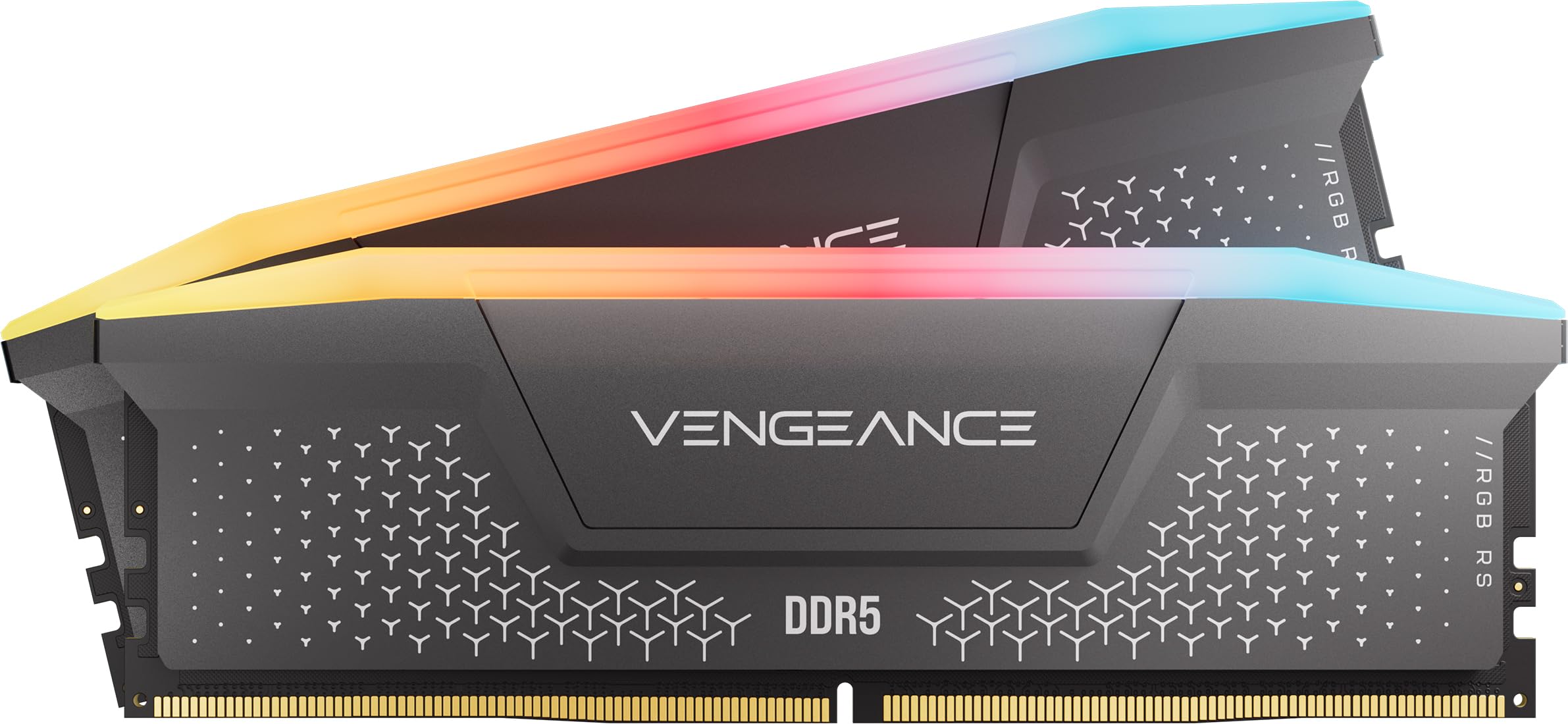 RAMCorsair Vengeance RGB RS - 16GB - DDR5 - 6000MHz$245
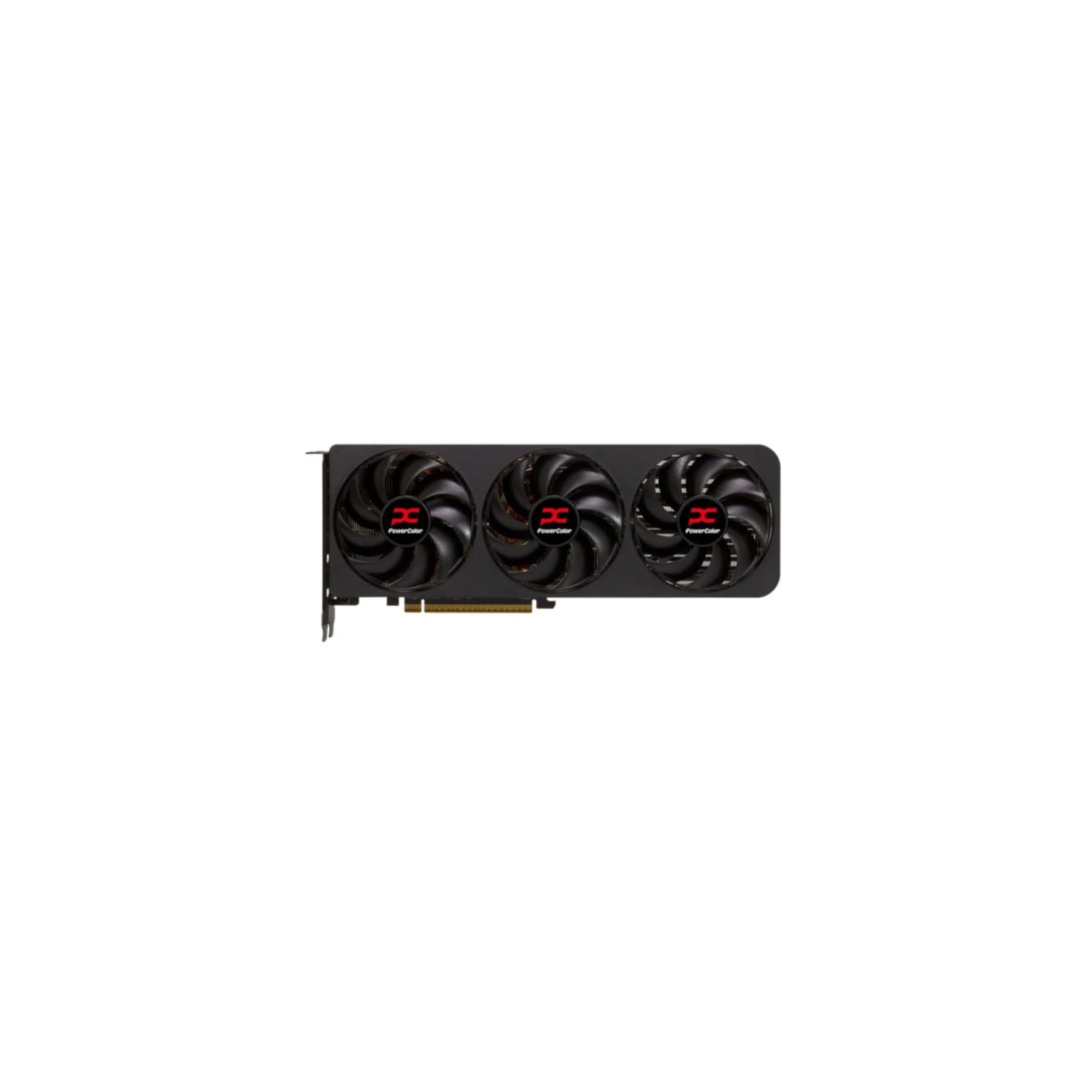 GPUPowerColor Radeon RX 9070 XT$690
 SSDKingston 1TB NV3$159
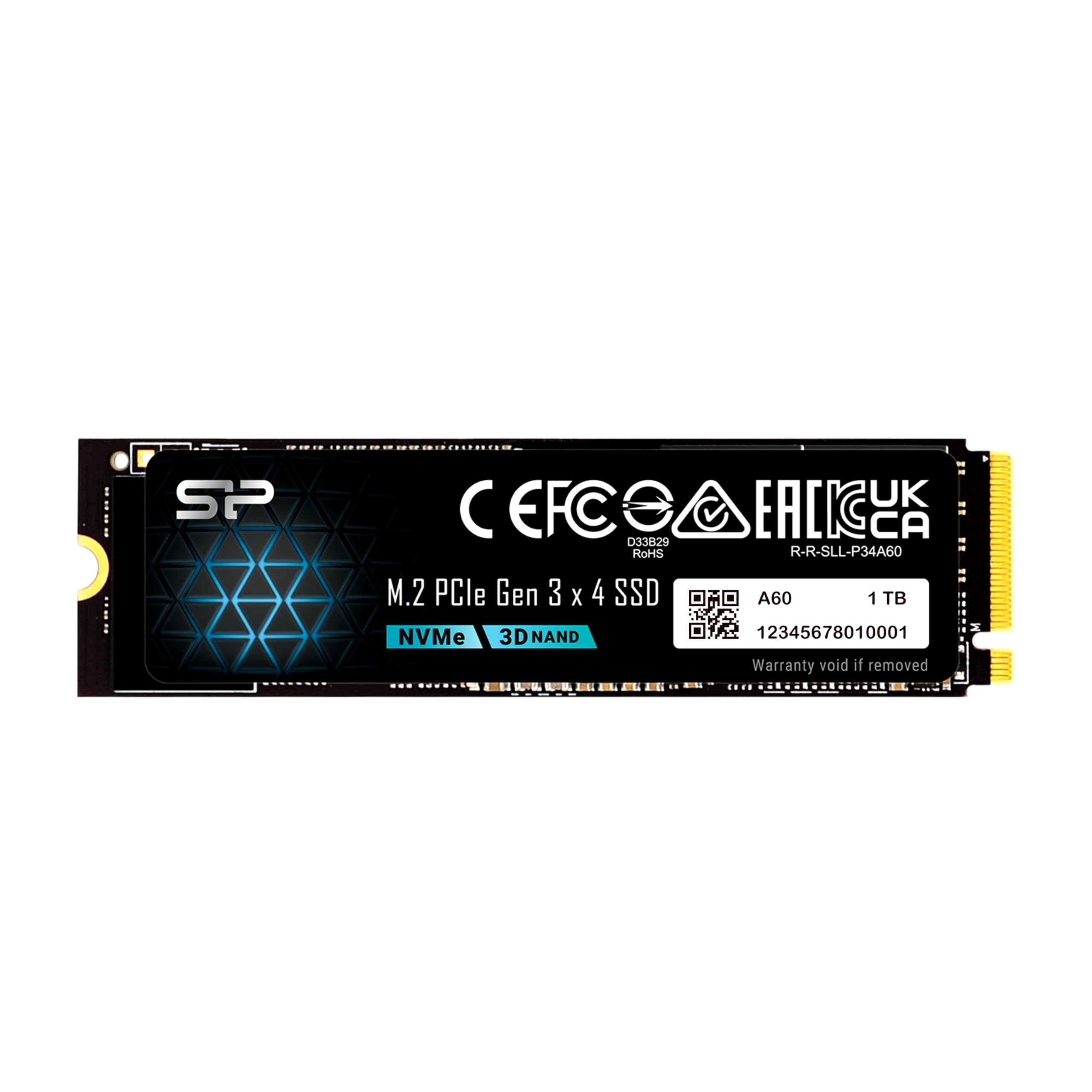 SSDSP Silicon Power 1TB$155
 SSDKingston 500GB NV3$110
 PSURosewill VMG - 750W$66
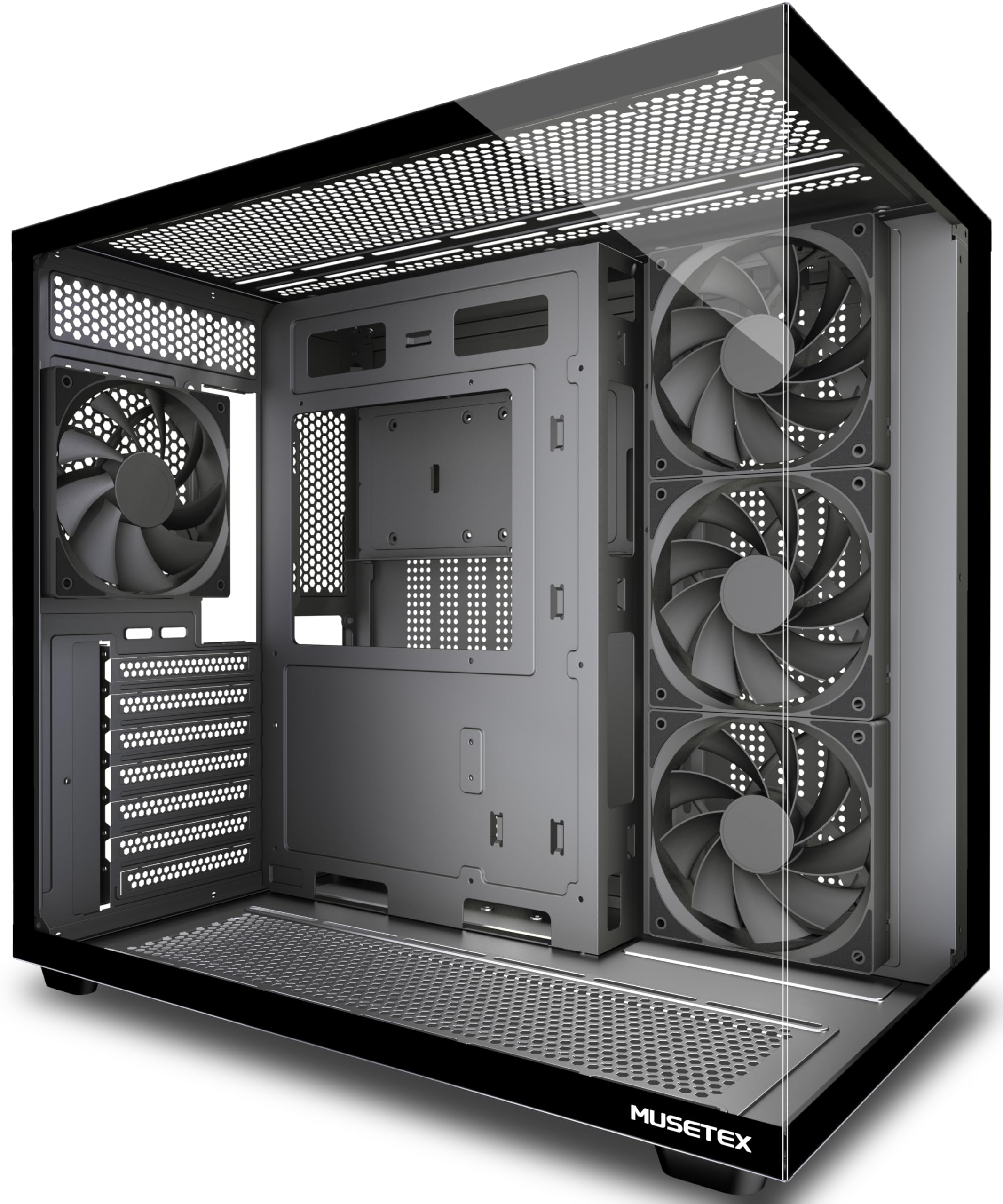 CASEMUSETEX Y6$66
Performance
- RAM 33 mm exceeds the air cooler clearance of 32 mm: possible conflict.
- CPUAMD Ryzen 7 7800X3D$349
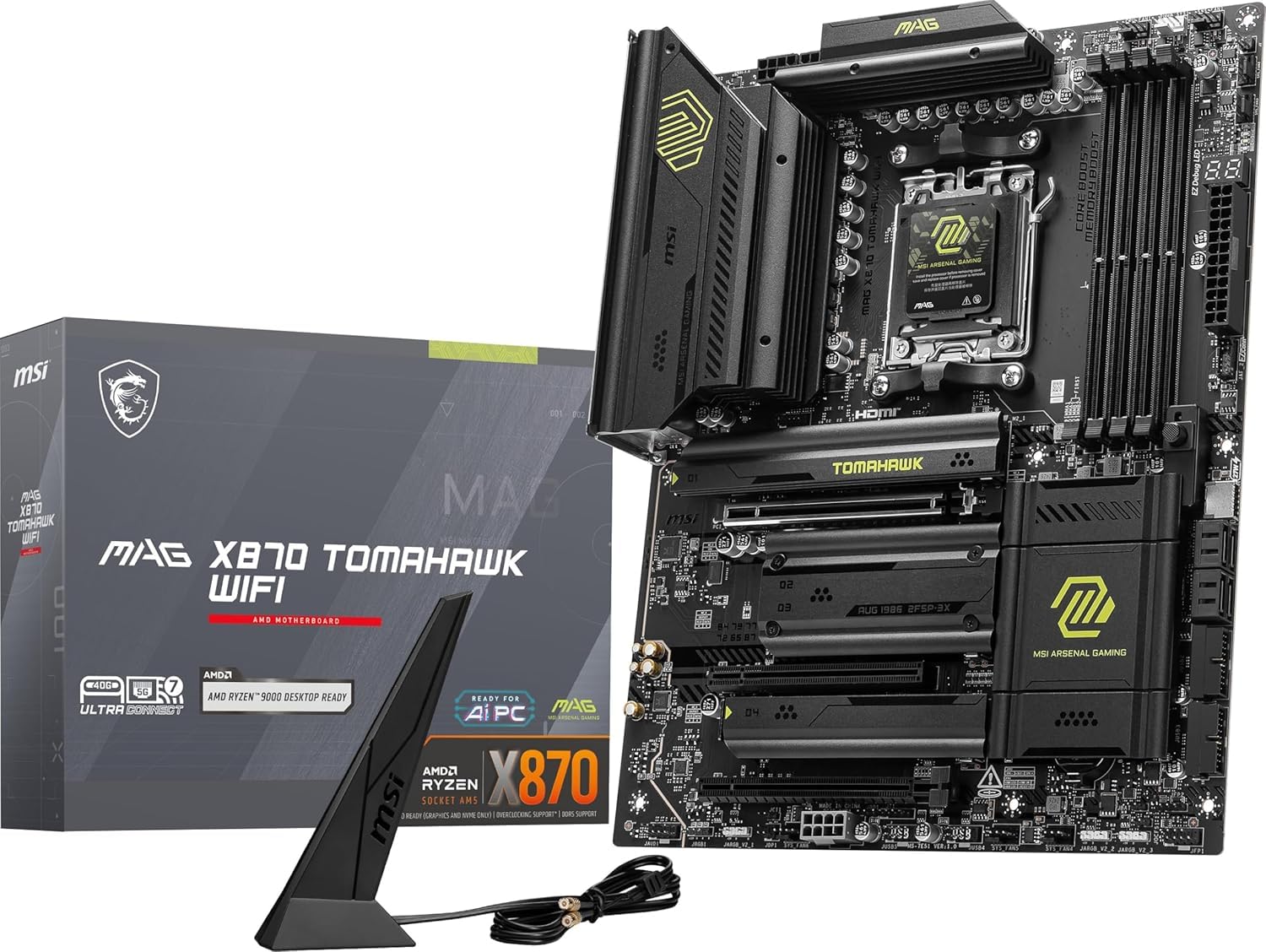 MBOMSI MAG X870 Tomahawk$170
 COOLNoctua NH-D15 chromax.Black (Air cooler)$120
 RAMTEAMGROUP T-Force Vulcan - 32GB - DDR5 - 6000MHz$400
 GPUPNY GeForce RTX 5070 Ti$950
 SSDSandisk 1TB WD_Black SN7100$190
 PSUMSI MPG A850GS PCIE5 - 850W$90
 CASELian Li LANCOOL 216$100
Balanced
- CPUAMD Ryzen 7 7800X3D$349
- MBOMSI MAG X870 Tomahawk$170
 COOLCorsair Nautilus 360 RS Black (AIO)$110
- RAMCorsair Vengeance RGB RS - 16GB - DDR5 - 6000MHz$245
- GPUPowerColor Radeon RX 9070 XT$690
- SSDKingston 1TB NV3$159
- PSUMSI MPG A850GS PCIE5 - 850W$90
 CASECorsair 4000D RS ARGB$90
The call
The value build delivers the most cost-effective configuration, coming in under budget with full component compatibility. The performance build, while powerful, overshoots the budget and has a minor RAM clearance concern. The balanced build also fits the budget but is slightly pricier than the value option.
For strictly adhering to the $2000 budget without compromises, choose the value build. If you need extra performance and can accept a budget overrun and potential clearance fix, consider the performance build. The balanced build is a viable alternative but offers no clear advantage over the value build.
Your budget of $2000 is realistic for a gaming PC that can max out modern AAA games at 1440p and deliver solid 4K performance.
Why these parts work together
Value build
This build pairs the Ryzen 5 7600X with the RX 9070 XT to deliver exceptional 1440p performance without breaking the bank. The 6-core chip handles modern games easily, while 16GB of DDR5 high-speed RAM and the Dark Rock Pro 5 air cooler keep everything cool and quiet. Three storage drives let you install games and OS separately for faster load times.
Balanced build
Upgrading to the Ryzen 7 7800X3D gives you the best gaming CPU for 1440p and 4K, with its 3D V-Cache providing massive gains in simulation and open-world titles. The CORSAIR 360mm AIO liquid cooler tames that chip easily, and the RX 9070 XT handles ray tracing at high framerates. The MSI X870 Tomahawk motherboard offers future-proof connectivity including PCIe 5.0 for next-gen GPUs.
Performance build
If you can stretch your budget to $2,369, swapping to the RTX 5070 Ti and a faster NVMe drive gives you DLSS 4 and slightly better ray tracing in demanding 4K titles. The 32GB RAM kit helps with multitasking and heavy simulation games. One thing to check before buying: the included 33mm RAM is just above the Noctua NH-D15's 32mm rated clearance, so confirm it fits under the cooler's fan or plan on a low-profile kit. This build is included so you know what the next step up looks like.
Frequently asked questions
Can these builds handle 4K gaming?
Yes, both the Value (7600X) and Balanced (7800X3D) builds deliver solid 4K performance in most AAA titles, both with the RX 9070 XT. You can expect 50-70 FPS in demanding games at high settings, and you'll easily hit 60+ FPS in competitive or optimized titles. DLSS and FSR upscaling can push performance even higher when needed.
Is 16GB of RAM enough for gaming in 2026?
For pure gaming, 16GB is still sufficient for virtually all current titles. However, if you plan to stream, run Discord/Chrome in the background, or play memory-heavy simulators like Cities Skylines 2, upgrading to 32GB later is straightforward. Both builds have free RAM slots for that upgrade.
Can I upgrade the GPU or CPU later?
Absolutely. Both builds use the AM5 socket (Ryzen 7000/8000/9000 series) and a high-quality power supply (750W or 850W). The motherboard supports PCIe 5.0 for future graphics cards, and the PSU has modern connectors like 12V-2x6. You can drop in a next-gen CPU or GPU down the line without changing the motherboard.
Will these builds be quiet under load?
Yes. The Value Build uses the be quiet! Dark Rock Pro 5, one of the quietest air coolers. The Balanced Build has a liquid AIO with low-noise fans. Both PSUs are 80+ Gold with silent fan modes. Under gaming load, you'll hear a gentle whoosh but nothing distracting, even in a quiet room.
Do these builds include Wi-Fi?
Yes. The Value Build's Gigabyte B650 board has built-in Wi-Fi 6E. The Balanced Build's MSI X870 Tomahawk steps up to Wi-Fi 7. Both cases have clear antenna mounting spots, so you're ready to game out of the box without a wired connection.
More Gaming builds
Other builds we recommend
Compare before you buy
Describe your own needs and budget, and get three compatibility-checked builds in minutes.